We may earn revenue from the products available on this page and participate in affiliate programs. Learn More ›
Busy project seasons can quickly spiral into missed tasks and scattered plans when landscaping, gardening, and home improvements collide. I tested the Cozyla Calendar+ 2 32-inch digital calendar for several weeks as a centralized planning hub in my DIY home. I used it to track everything from seed starting to project timelines and deliveries.
The smart calendar is essentially a large, touch-screen Android device designed to keep schedules visible and actionable for everyone in the household. Ahead, find out what I liked best about this digital calendar and whether it makes sense to add it to your smart home system.
Best Project Planning Hub
Photo: Glenda Taylor for BobVila.com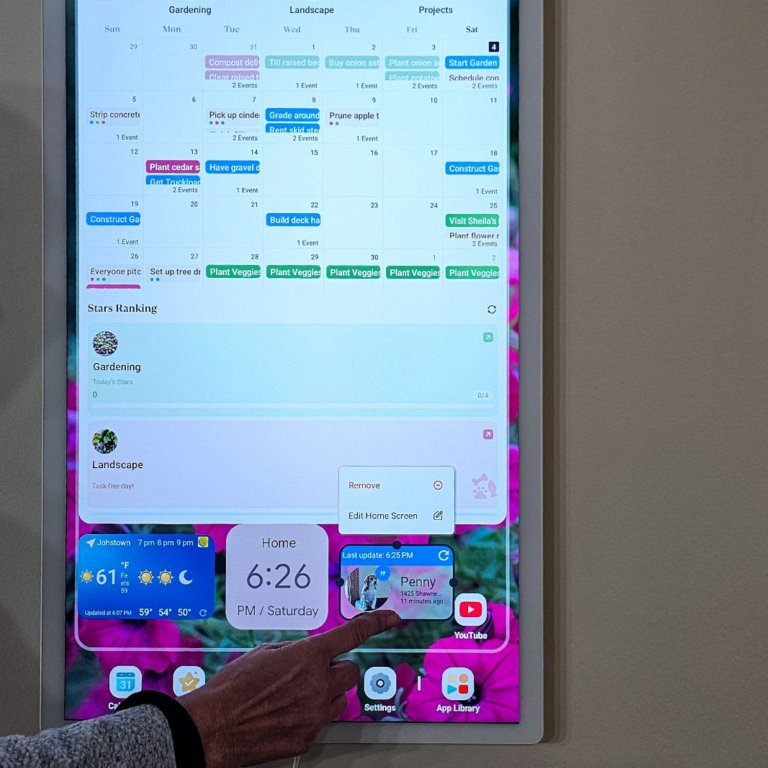
What We Like
- Large, easy-to-read touch screen
- Excellent for shared project tracking
- Flexible app integration
- Works with Google, Apple, Outlook
- Color-coded by person/category
What We Don’t Like
- Pricey investment
- Setup takes time
Product Specs
- Display: 32-inch touch screen (horizontal or vertical mount)
- System: Android-based with app support
- Connectivity: Wi-Fi with Google Calendar sync
What Are the Best Features of the Cozyla Calendar+ 2?
The Cozyla Calendar+ 2 packs a lot into a 32-inch touch screen, including:
- Android-based system with full app support
- Google Calendar, Apple, and Outlook sync
- Color-coded calendars by person or category
- Task assignment and timeline tracking
- Voice input for adding events
- Built-in menu planner
- Digital photo frame with screensaver functionality
- Horizontal or vertical wall mounting
- Smart home controls, weather tracking, and Google Sheets compatibility
How Well Does It Work for Projects and Scheduling?
The Cozyla Calendar+ 2 works exceptionally well for project scheduling. I set it up to track landscaping, DIY projects, and gardening as separate categories, and it quickly became “project central” in my home. At a glance, I could see when compost deliveries were scheduled, what stage we were on with a shed build, and who was responsible for each task.
Syncing with Google Calendar was key. Once connected, my existing events transferred over, and I was able to add additional calendars for family members. The ability to assign tasks, create notes, and track timelines made it far more useful than a standard wall calendar (and the paper one on my desk, which I can barely read anymore through the coffee rings!).
Is the Cozyla Calendar+ 2 Easy to Use?
There is a learning curve when using the Cozyla Calendar+ 2. Expect to spend a couple of hours syncing everything, downloading apps, and setting up your system. Once it’s up and running, though, it’s very intuitive. The touch screen is responsive, and being able to scroll, tap, and even use voice input to add events makes it fast to update.
I also appreciated how customizable it is. Beyond planning tools, I added apps like smart home controls, weather tracking, and even Google Sheets. The built-in menu planner turned out to be more useful than I expected; once I tried it, everyone in the house started checking it regularly.
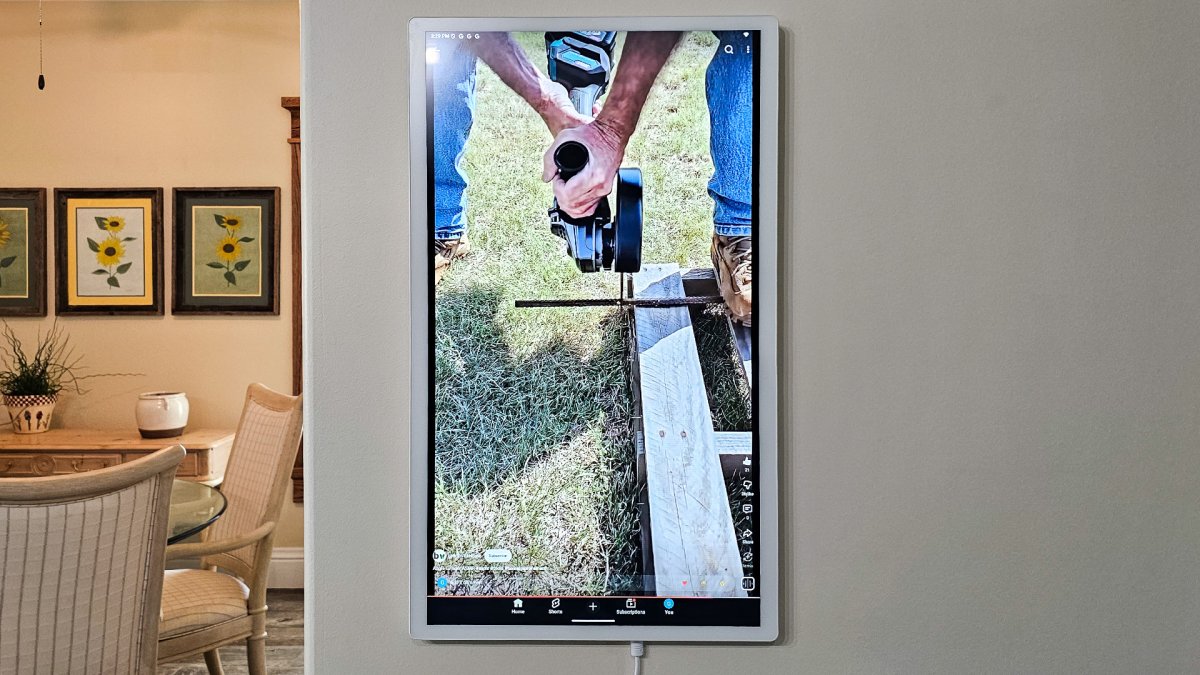
Photo: Glenda Taylor for BobVila.com 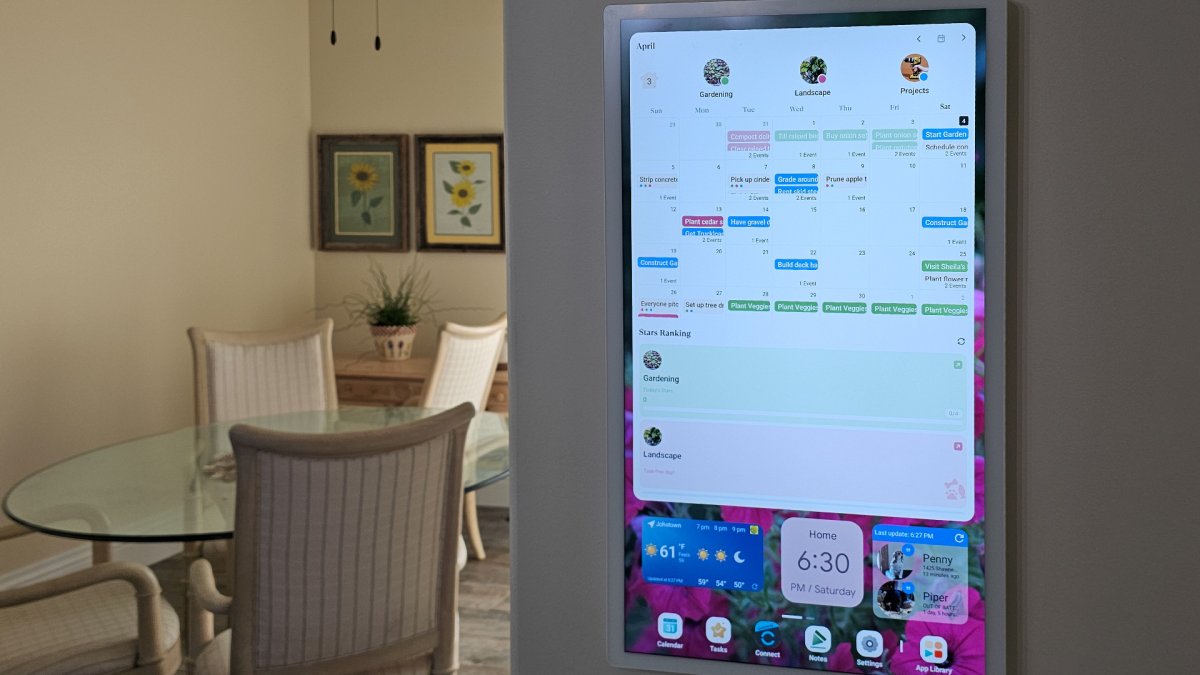
Photo: Glenda Taylor for BobVila.com 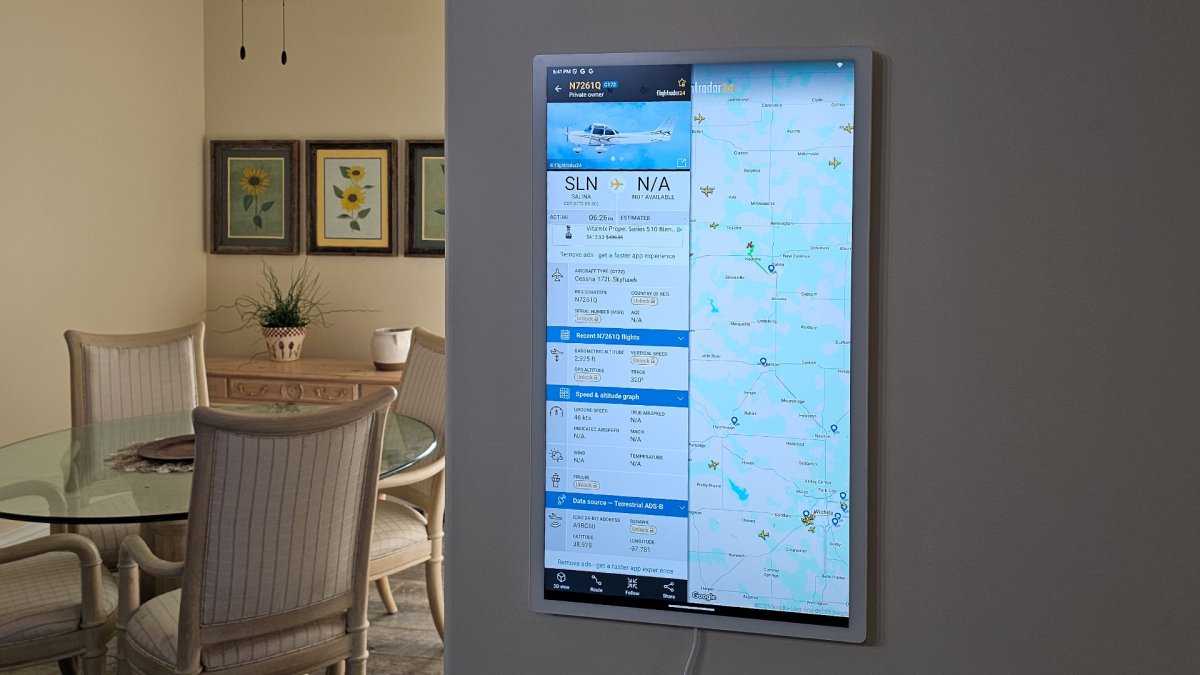
Photo: Glenda Taylor for BobVila.com 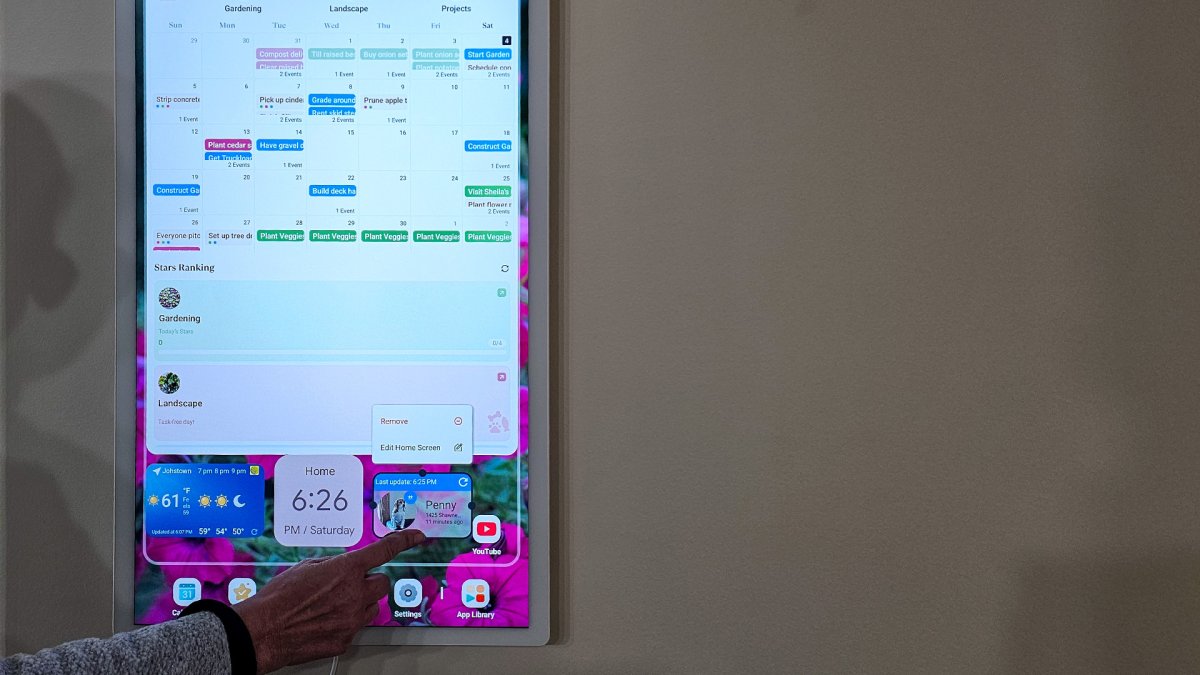
Photo: Glenda Taylor for BobVila.com 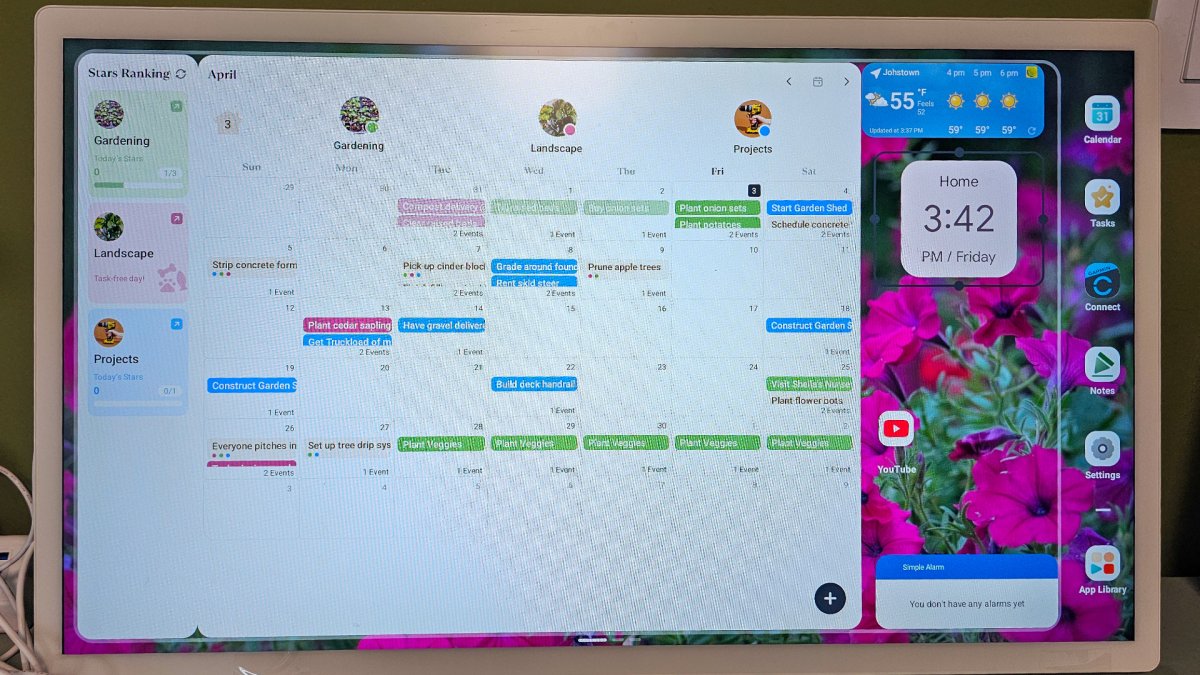
Photo: Glenda Taylor for BobVila.com 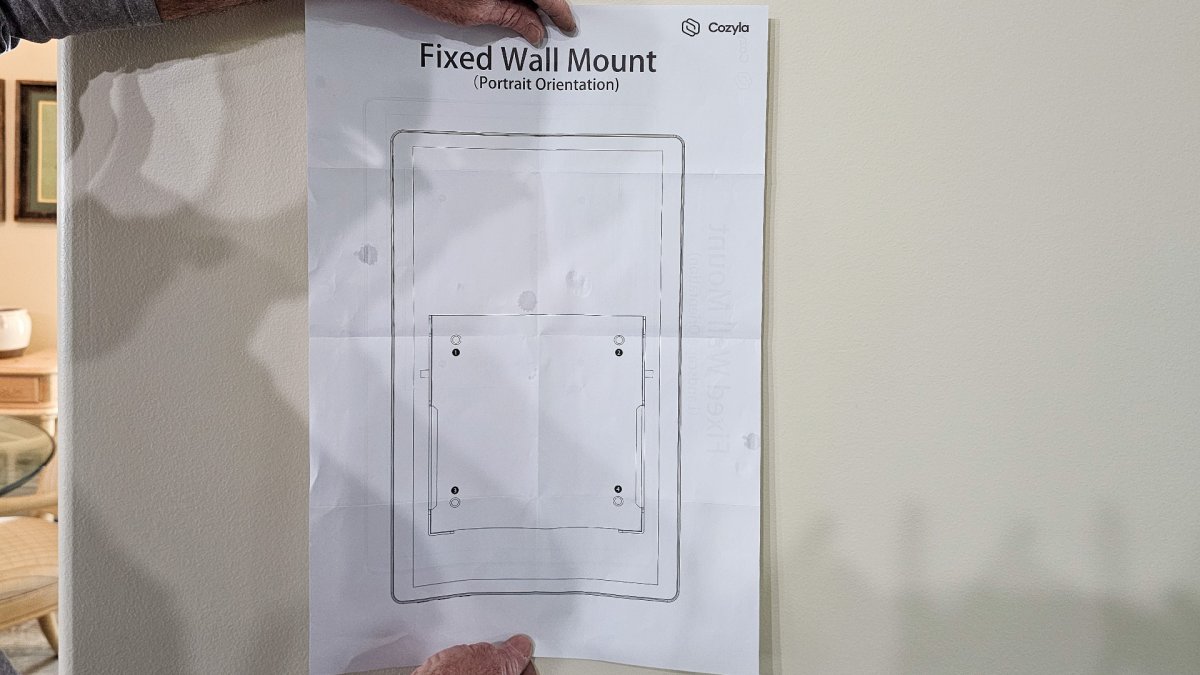
Photo: Glenda Taylor for BobVila.com 
Photo: Glenda Taylor for BobVila.com 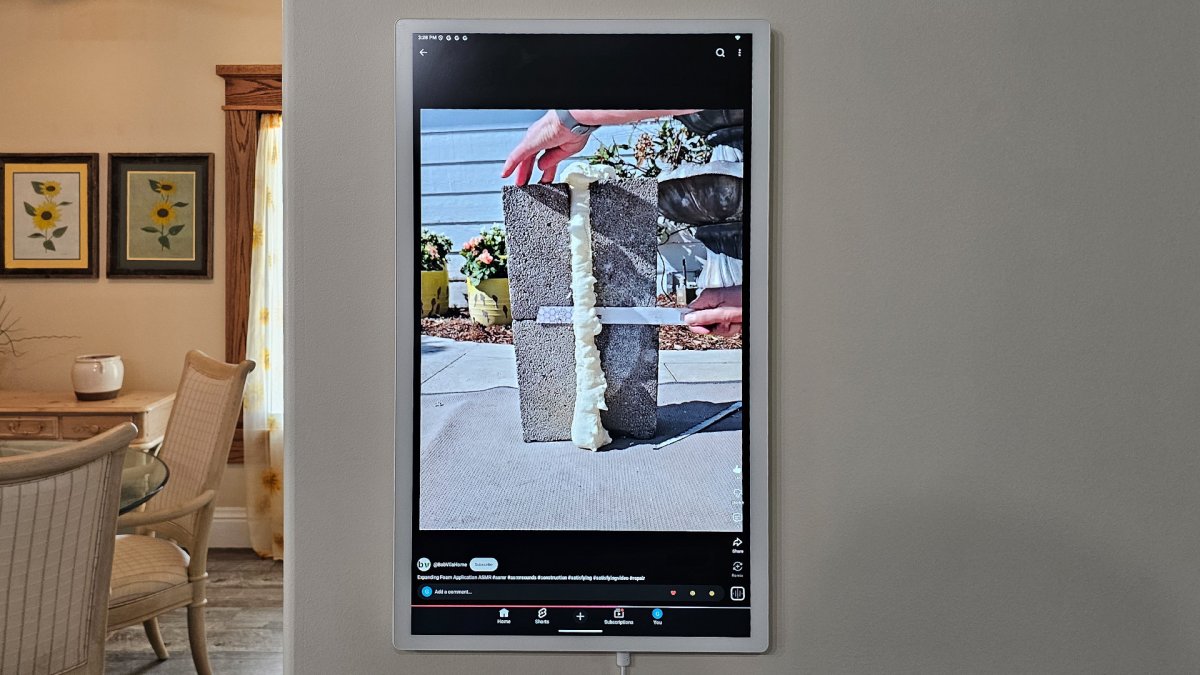
Photo: Glenda Taylor for BobVila.com 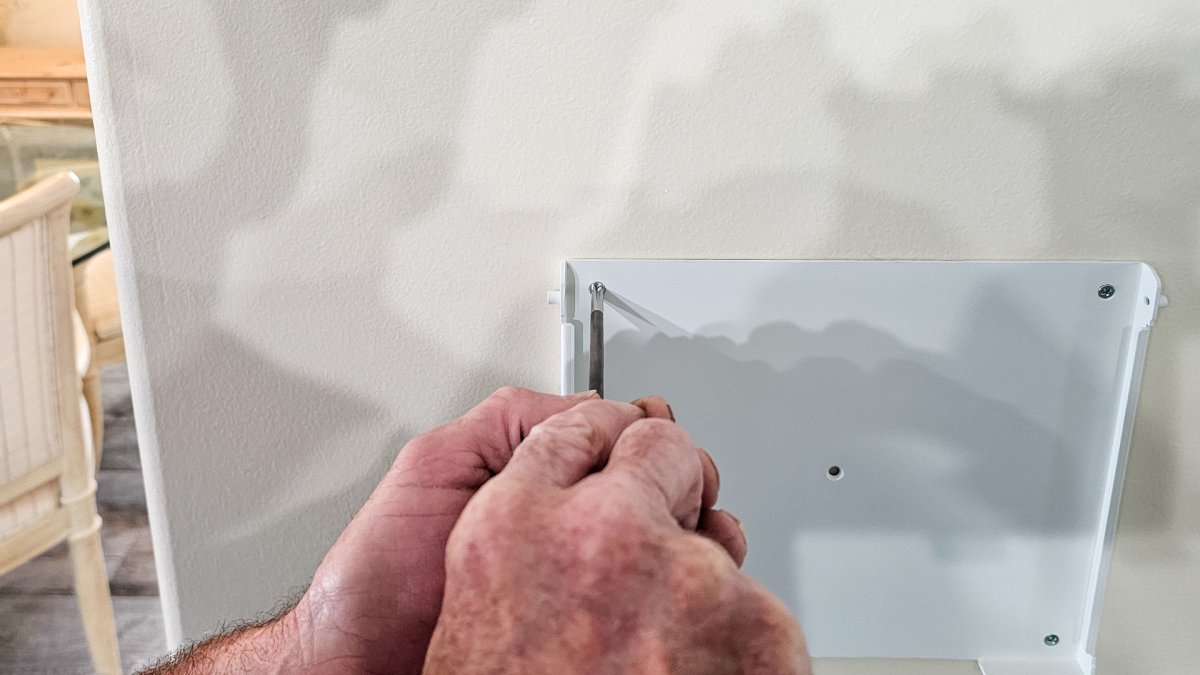
Photo: Glenda Taylor for BobVila.com 
Photo: Glenda Taylor for BobVila.com 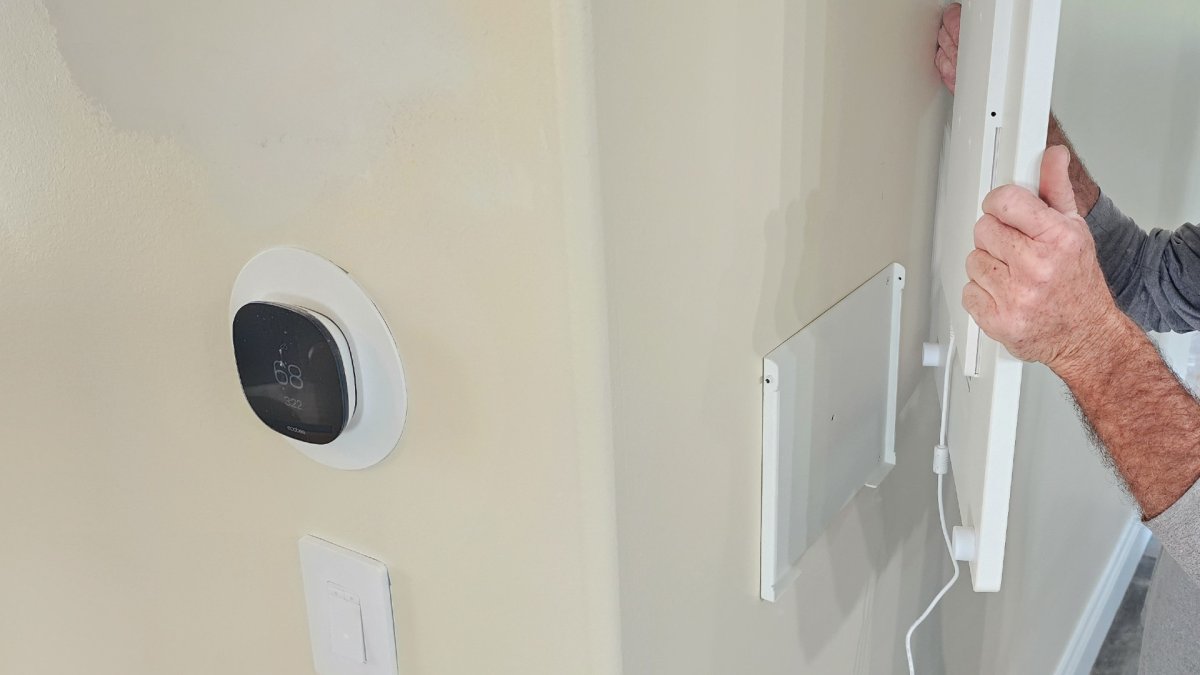
Photo: Glenda Taylor for BobVila.com 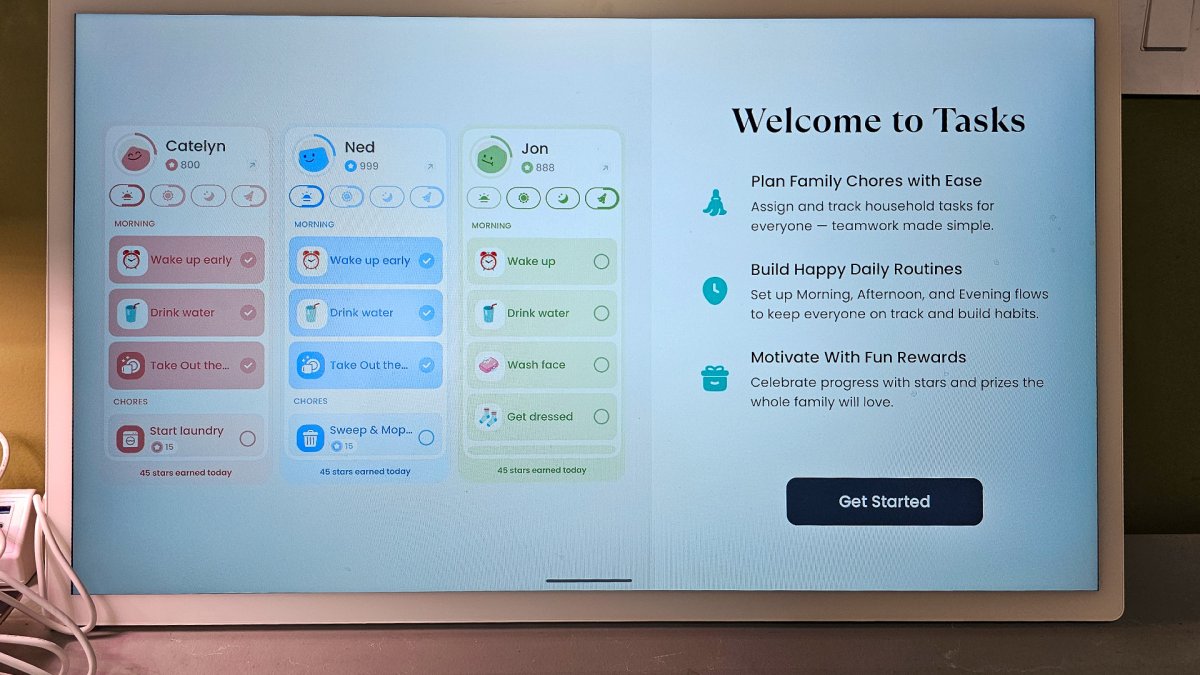
Photo: Glenda Taylor for BobVila.com 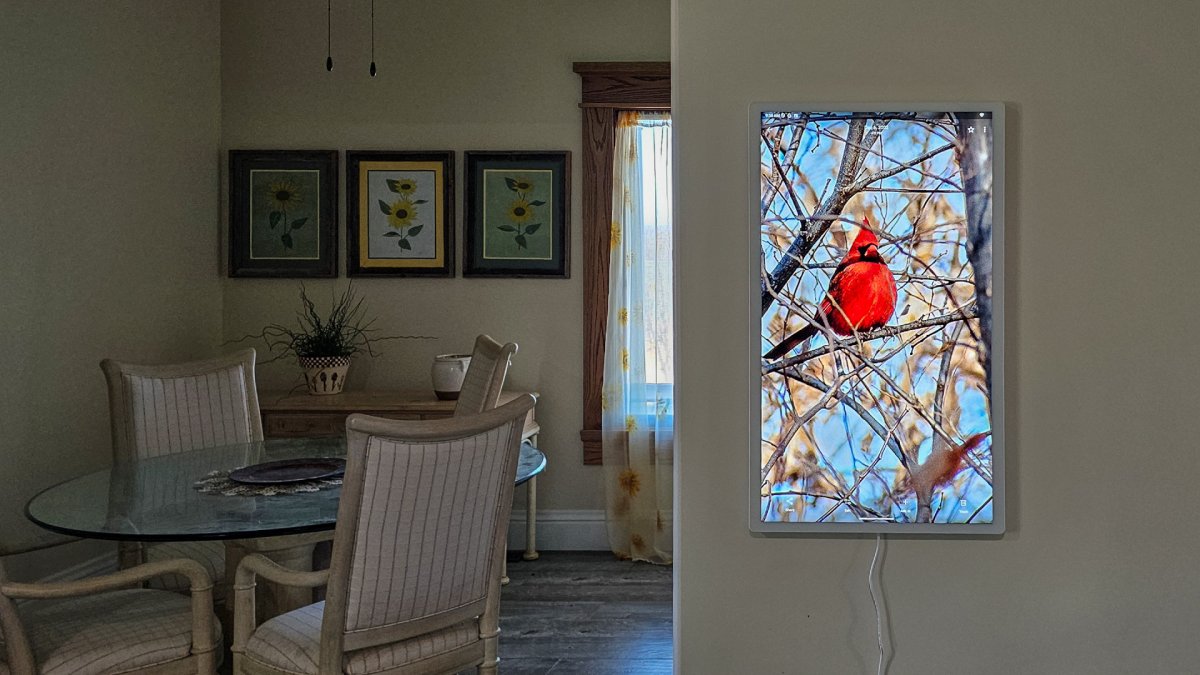
Photo: Glenda Taylor for BobVila.com 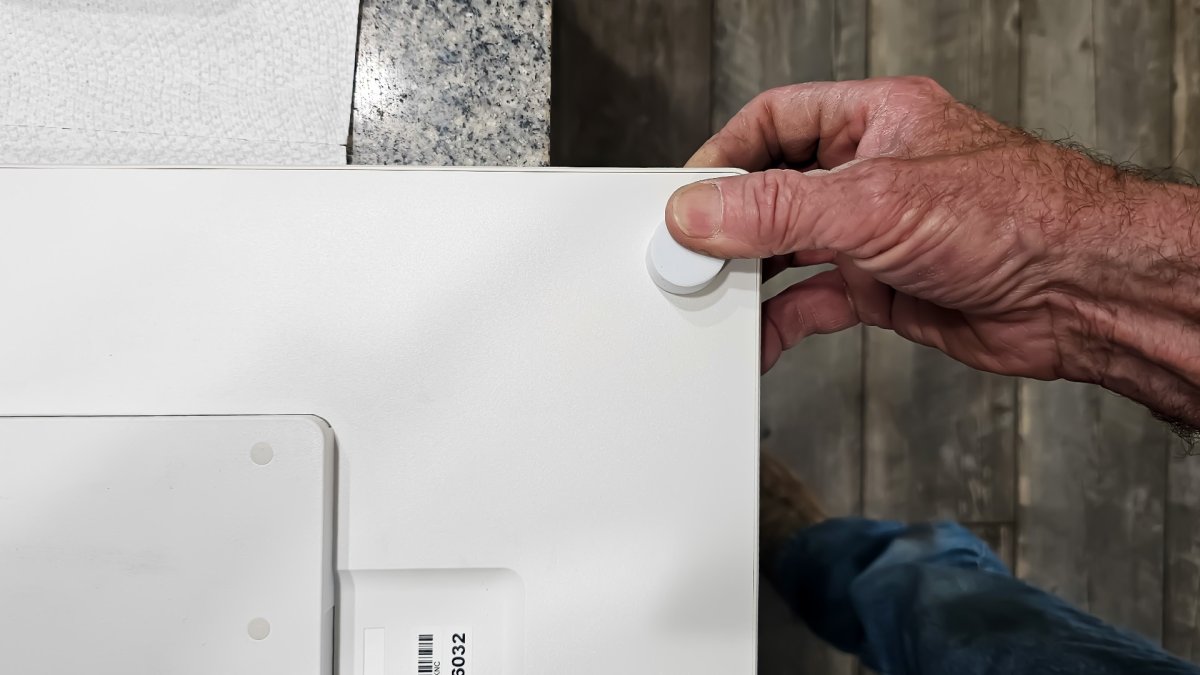
Photo: Glenda Taylor for BobVila.com 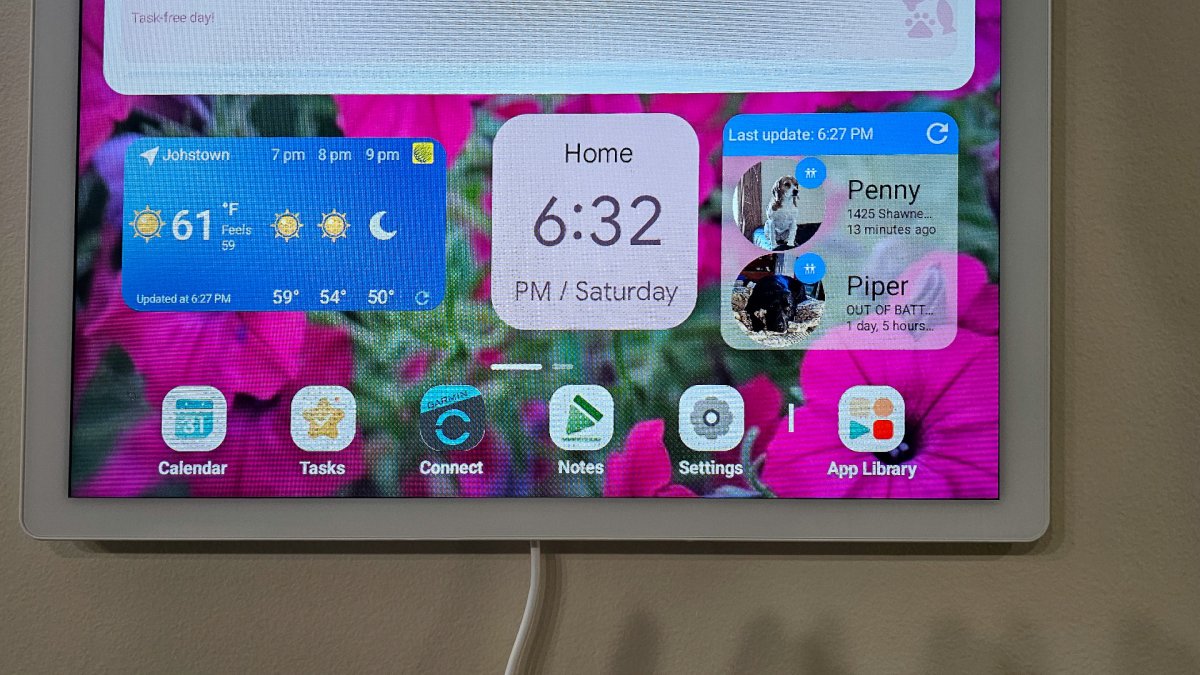
Photo: Glenda Taylor for BobVila.com
Where Should You Install the Cozyla Calendar?
The best place to install the Cozyla Calendar is in a high-traffic area like a kitchen or hallway. I mounted mine on a wall opposite the kitchen, which made it easy to check while cooking or walking through the house. Before mounting, I recommend testing both horizontal and vertical orientations. I ultimately chose vertical, but I did notice that some apps function better when it’s mounted horizontally.
One small drawback: mounting vertically makes the ports a bit harder to access. It’s not a dealbreaker, but it’s something to consider during installation. I’m not a fan of cords hanging down, so eventually I’ll probably run a recessed outlet behind the calendar so that no cord shows.
The screen itself is large and easy to read from across the room, and the backlit display looks great—especially when used as a digital photo frame. I added personal photos as screensavers, and they looked sharper than I expected.
Is the Cozyla Calendar+ 2 Worth the Price?
At just over $1,000, the Cozyla Calendar+ 2 is a serious investment. But it’s also more than a calendar: it’s a central command center for organizing work, projects, and daily life. In my case, it noticeably improved how our household stayed on track. When everyone can see what needs to be done—and when—it adds a measure of accountability.
This isn’t just for families. It would work just as well in a small office, workshop, or shared workspace where multiple people need to stay aligned. If you’re someone who struggles with organization or juggles multiple projects at once, the Cozyla offers a level of clarity that’s hard to get from smaller devices or paper systems.
Where to Buy
Photo: Glenda Taylor for BobVila.com