We may earn revenue from the products available on this page and participate in affiliate programs. Learn More ›
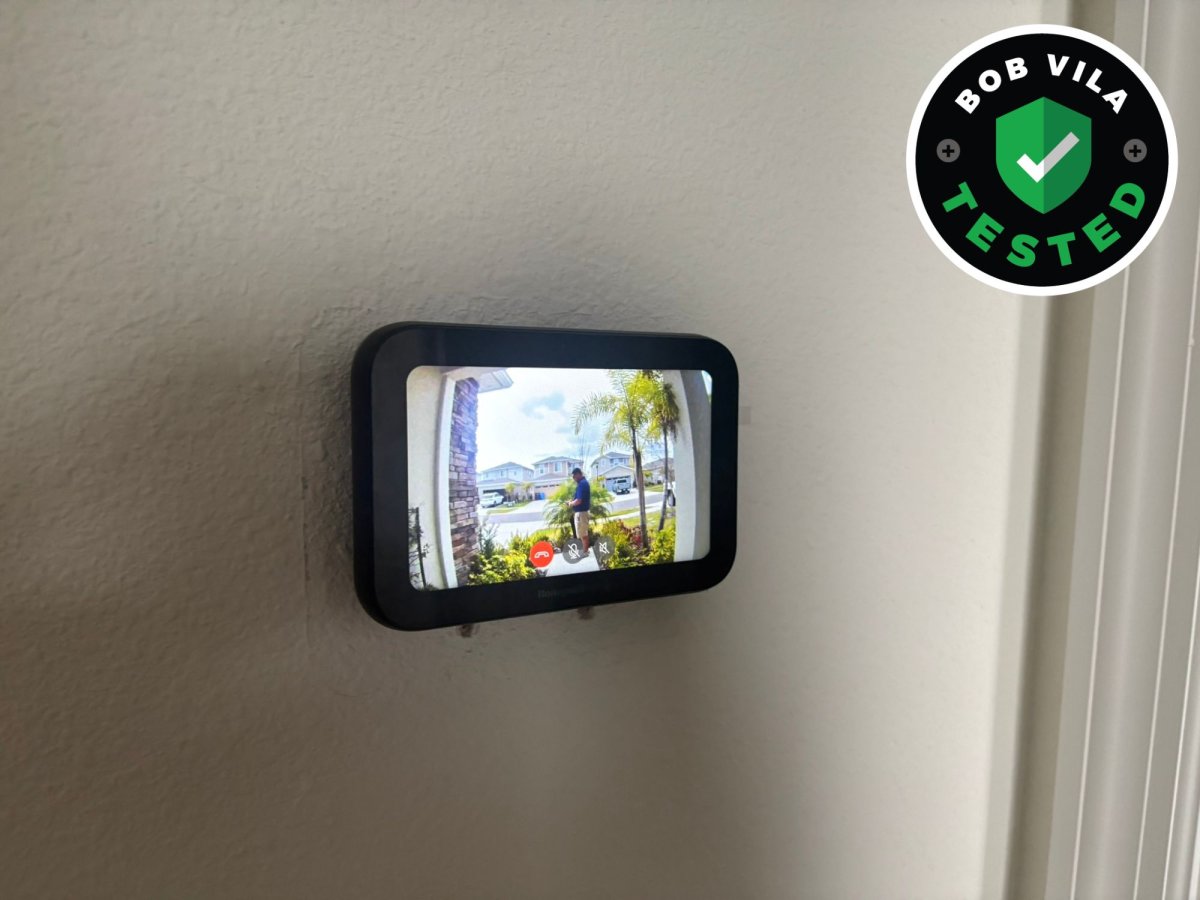
Most smart-home upgrades promise convenience, but this one only really shines if your home’s layout works in its favor. After installing the First Alert VX1 HD Video Doorbell and pairing it with the Honeywell Home X7S Smart Thermostat in my home in Florida, I realized how useful it can be to have your front-door video feed appear right on your thermostat screen, especially if that thermostat is in a high-traffic spot like a kitchen, living room, or main hallway.
In homes where the thermostat is centrally located, this setup can streamline how you check visitors and deliveries. In my case, the thermostat sits at the top of the stairs, which makes the feature less practical for everyday use. That’s not a flaw in the products themselves, but it is an important consideration before getting too excited about the integration.
It’s also worth noting: the smart thermostat also integrates with Ring doorbells, so if you already have one of those, you can pair it with the Honeywell Home to watch the feeds from your thermostat.
Honeywell Home X8S Smart Thermostat
Photo: Paul Rankin for Bob Vila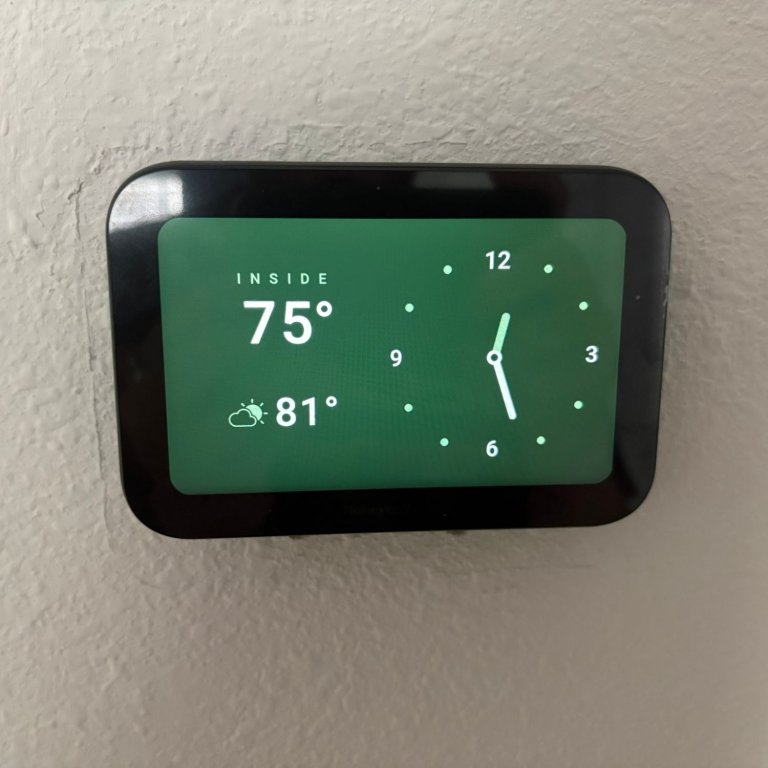
What We Like:
- Simple, clearly labeled wiring installation
- Compatible with wireless room sensor
- Responsive, bright touchscreen display
- Instant doorbell video pop-up integration
- 2-way audio through thermostat
What We Don’t Like:
- Thermostat placement affects video usefulness
- C-wire required (adapter if missing)
Product Specs
- Screen size: 5-inch touchscreen
- C-Wire required?: Yes
- Room sensors: Yes, sold separately
First Alert VX1 Video Doorbell
Photo: Paul Rankin for Bob Vila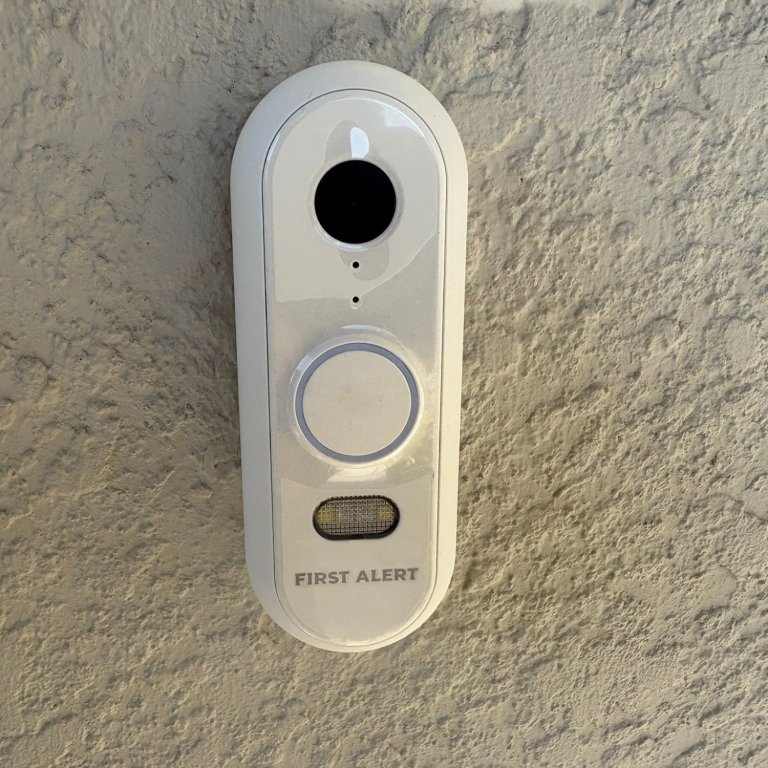
What We Like:
- Simple 2-wire installation
- Fast live feed loading
- Near-instant video playback
- Clear 2-way audio quality
- Helpful built-in night light
- Solid, durable construction
What We Don’t Like:
- Design feels somewhat plain
- Premium price point
Installing the Honeywell Home X7S
Living with the Honeywell Home X7S Smart Thermostat day to day has been easy. Installation took about the same amount of time as my previous Google Nest—remove the old unit, mount the base plate, and match the labeled wires to the clearly marked terminals. If you already have a C-wire, it’s a straightforward swap; if not, an adapter solves that problem. Mine also came with a wireless room sensor (batteries included), which has been a big win in my four-bedroom home with a single AC unit. My office heats up during the day while the rest of the house stays cooler, and the sensor helps the system make smarter decisions without freezing everyone else out. The touchscreen is bright and responsive, and when someone rings the doorbell, the video feed appears almost instantly. You can even talk directly through the thermostat, which feels surprisingly futuristic the first time you try it.
Installing the First Alert VX1
The First Alert VX1 Doorbell was just as simple to install. It wires into the two existing doorbell leads and mounts with a couple of screws—very similar to the one it replaced. After pairing it with the app, it was up and running within minutes. Design-wise, it’s not the most eye-catching doorbell I’ve tested, but it feels solid and durable in hand. The built-in light is helpful at night, and the speaker quality is clear on both ends. Conversations between the doorbell and the thermostat don’t sound compressed or distorted, which isn’t always true with video doorbells.
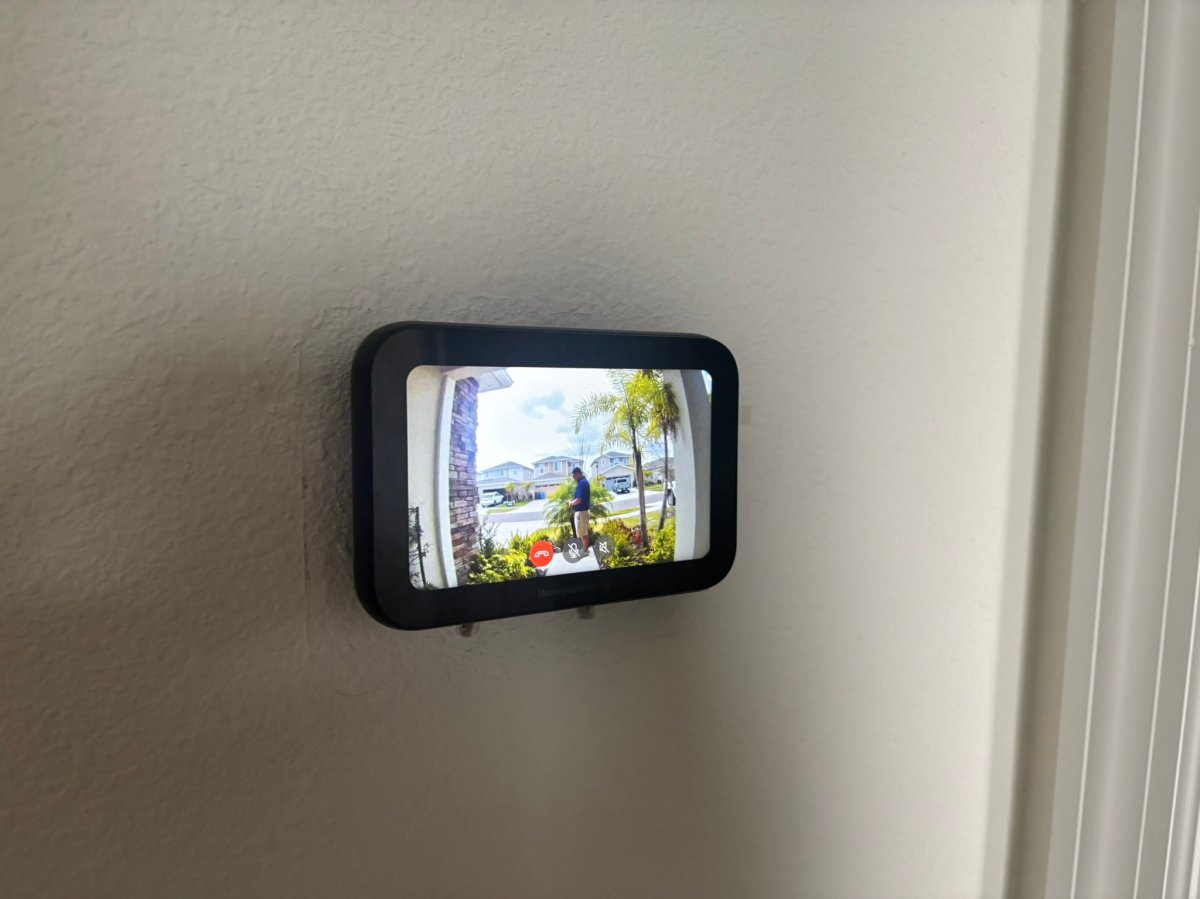
Photo: Paul Rankin for Bob Vila 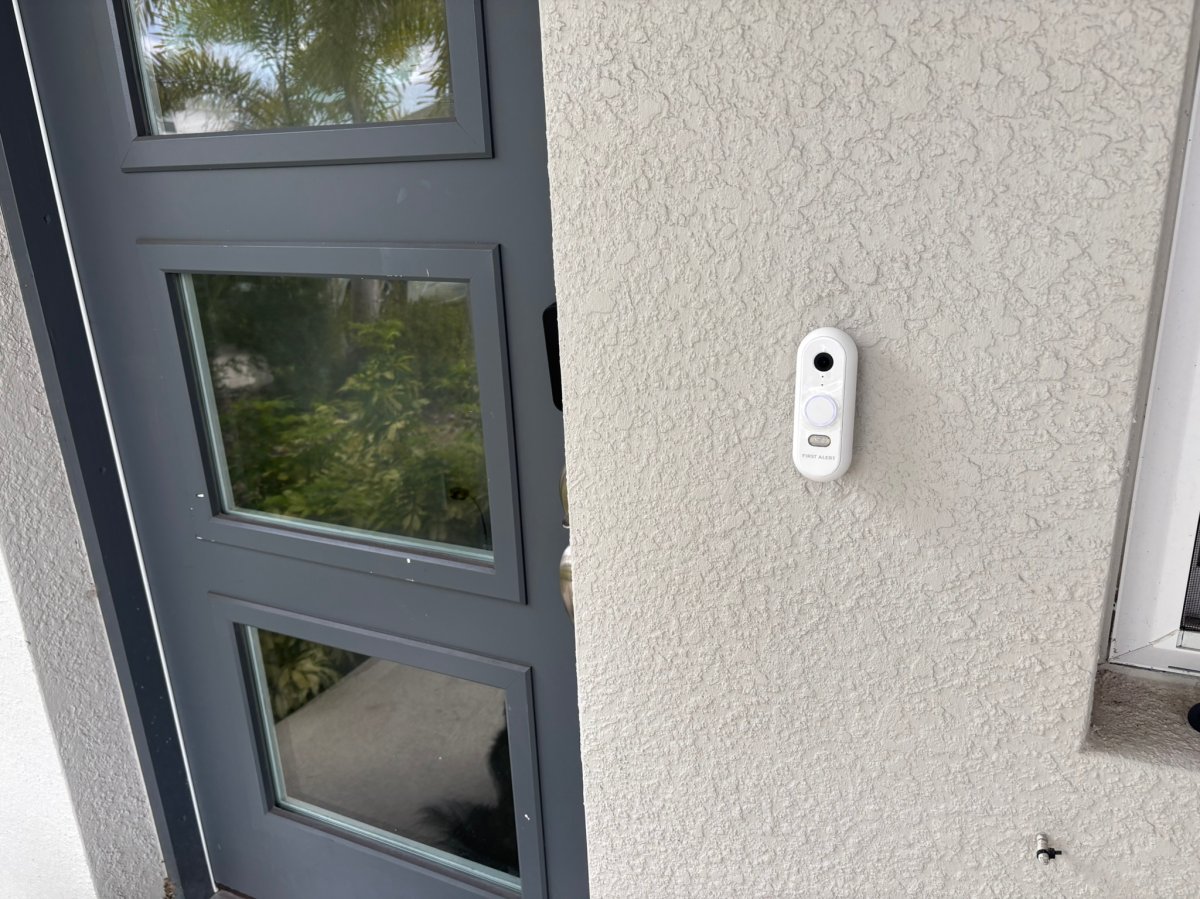
Photo: Paul Rankin for Bob Vila 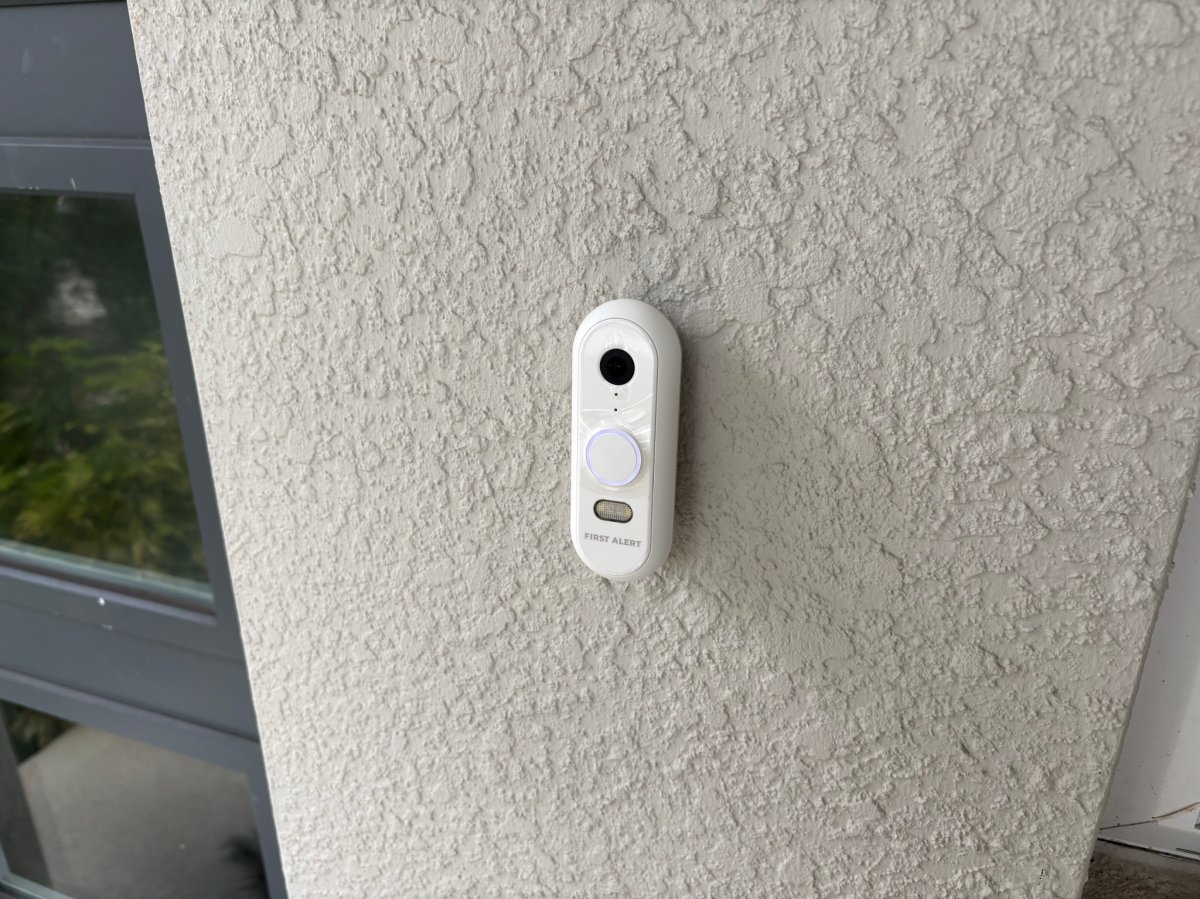
Photo: Paul Rankin for Bob Vila 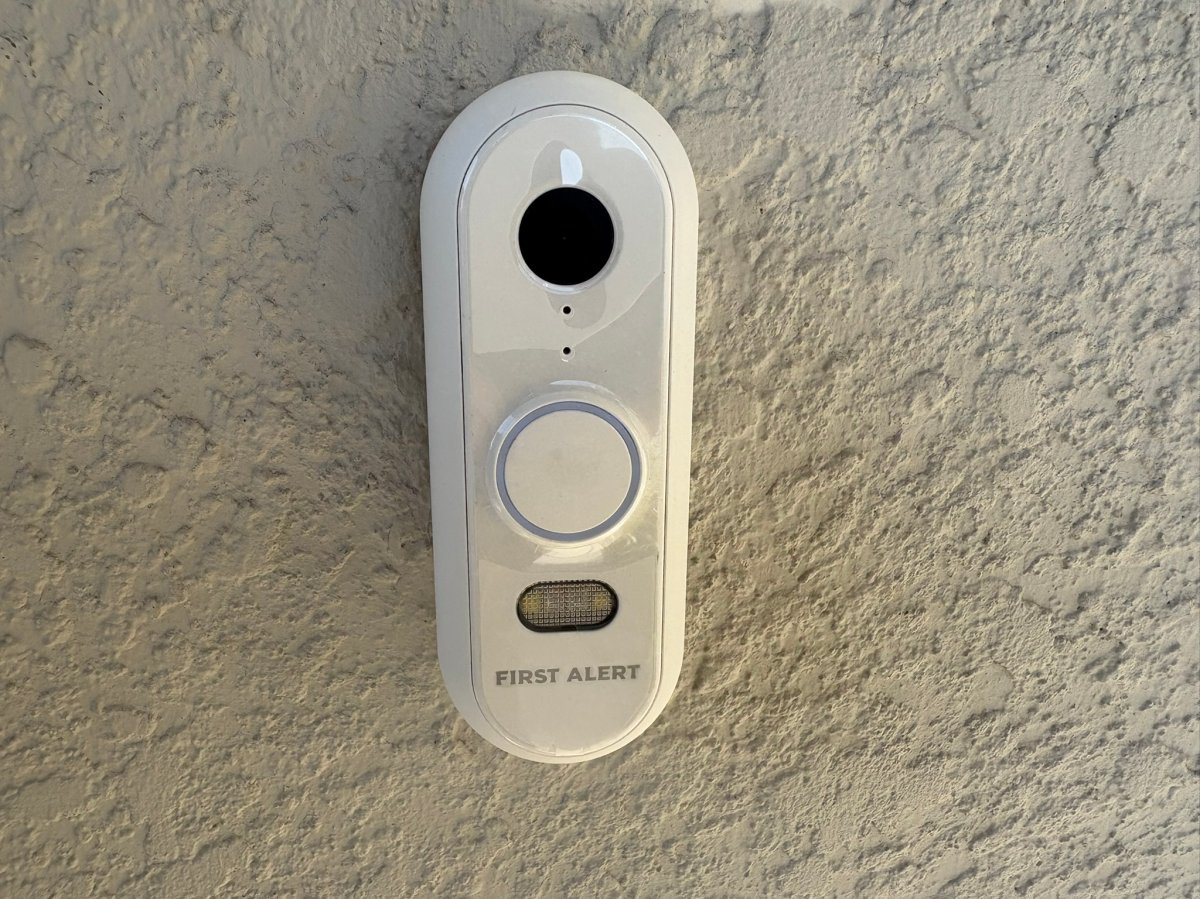
Photo: Paul Rankin for Bob Vila 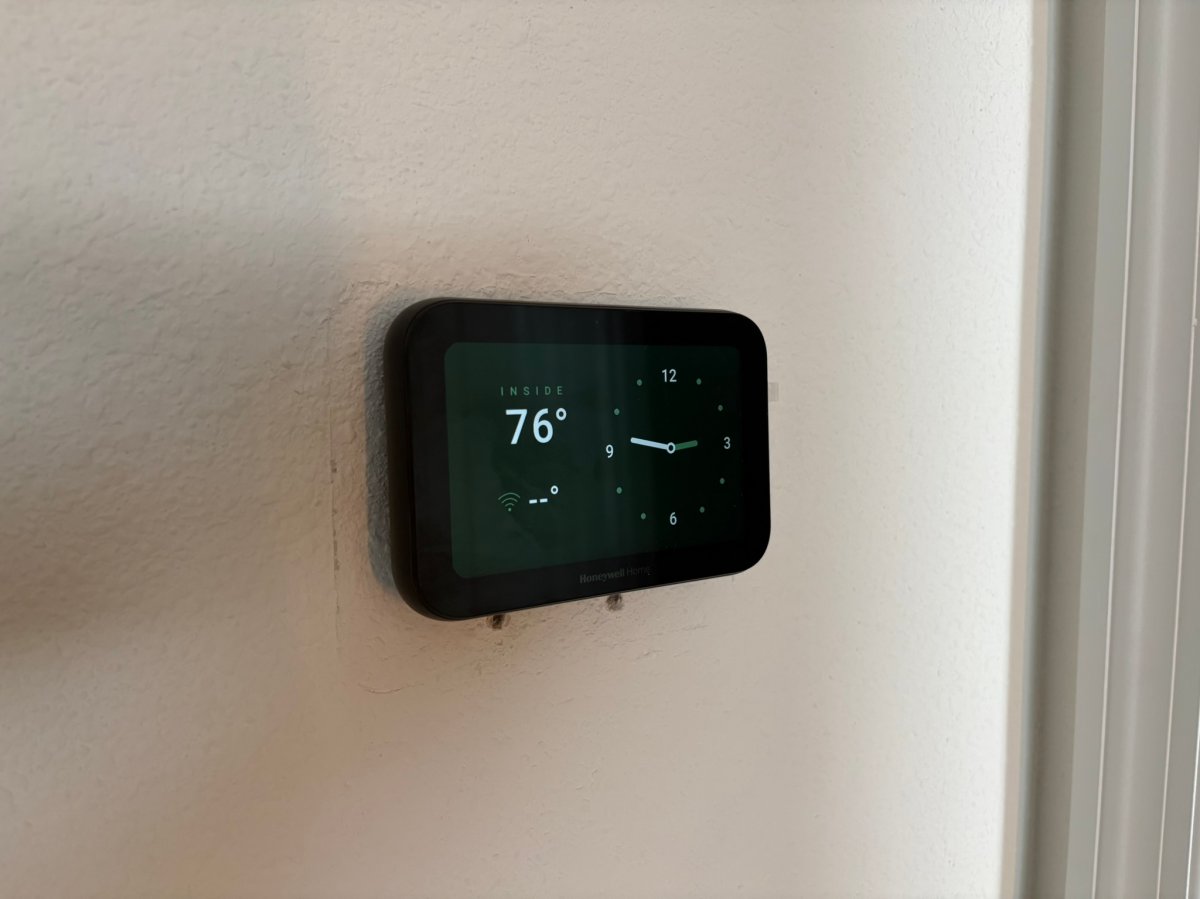
Photo: Paul Rankin for Bob Vila 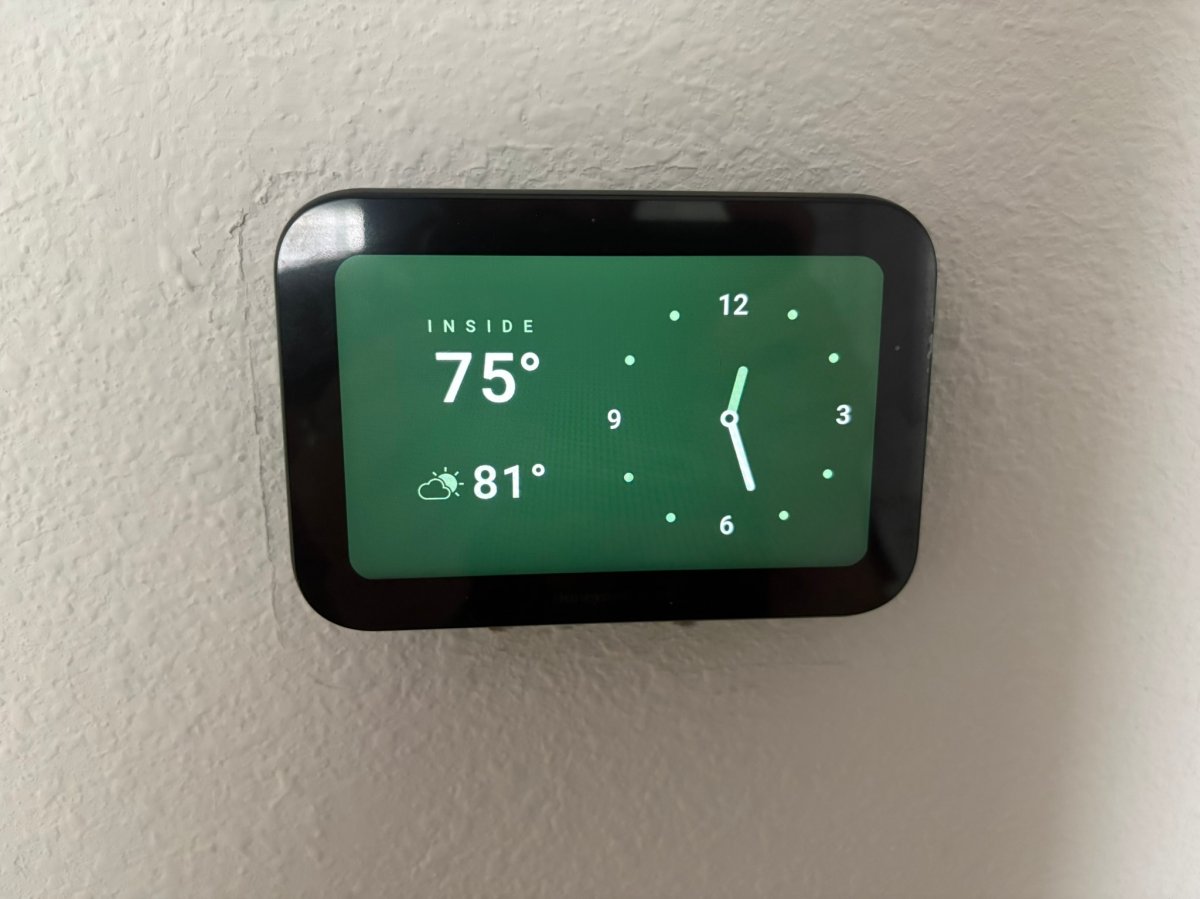
Photo: Paul Rankin for Bob Vila 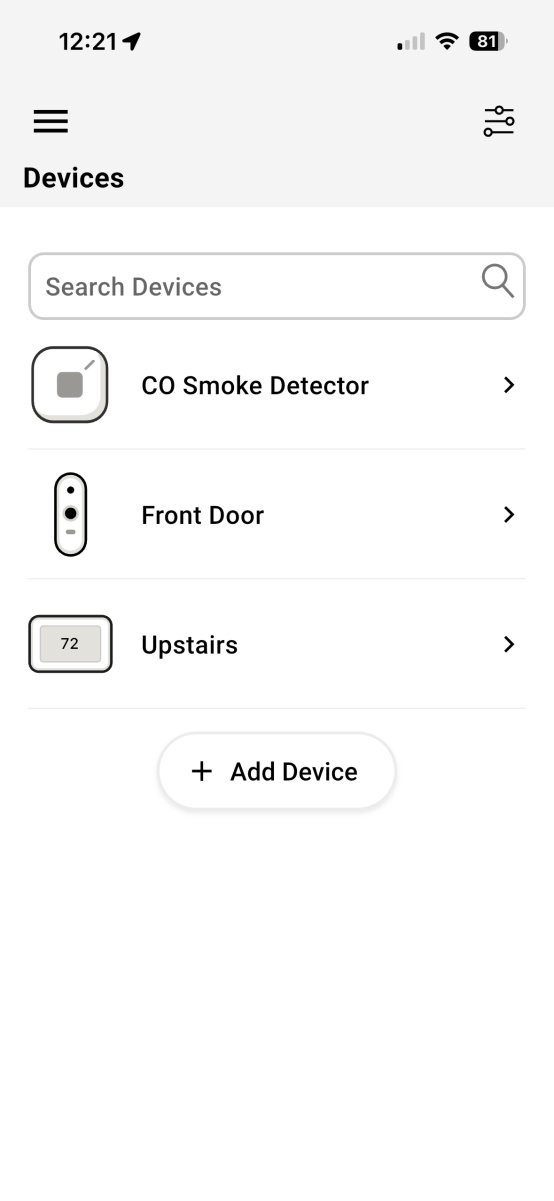
Photo: Paul Rankin for Bob Vila 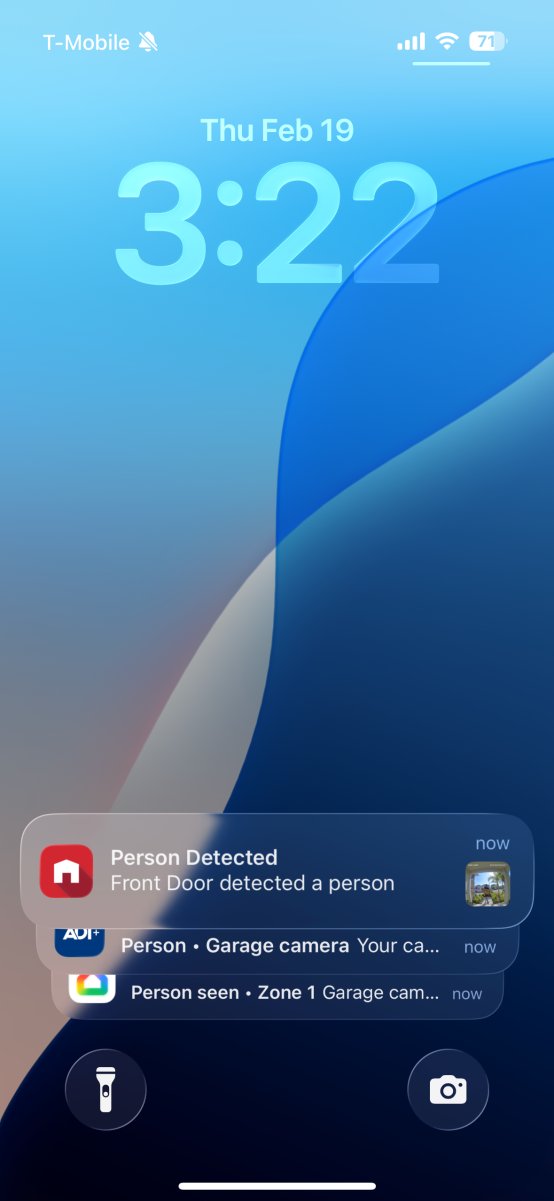
Photo: Paul Rankin for Bob Vila 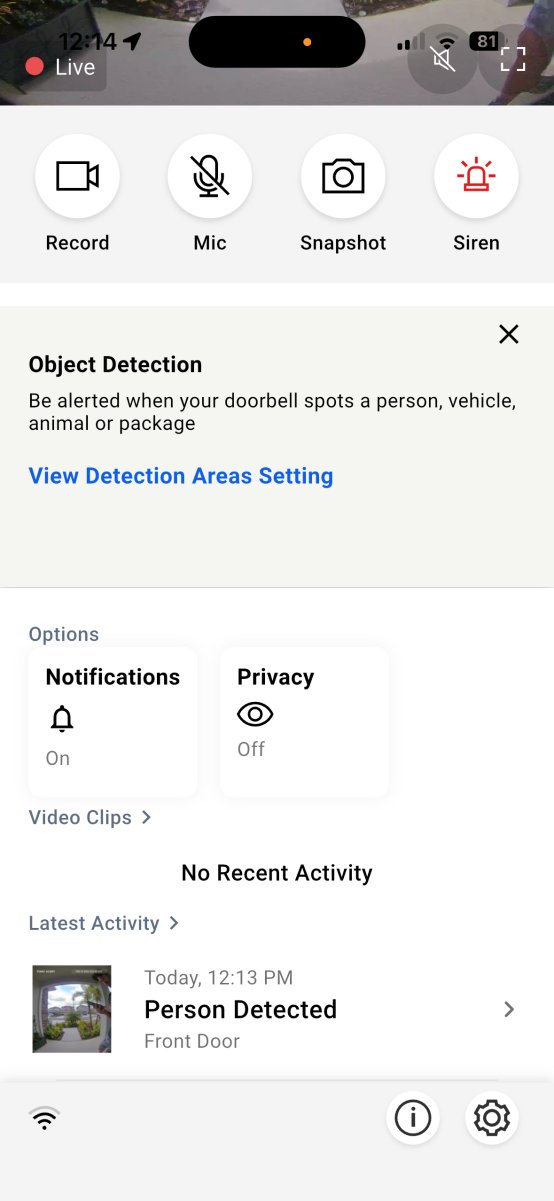
Photo: Paul Rankin for Bob Vila 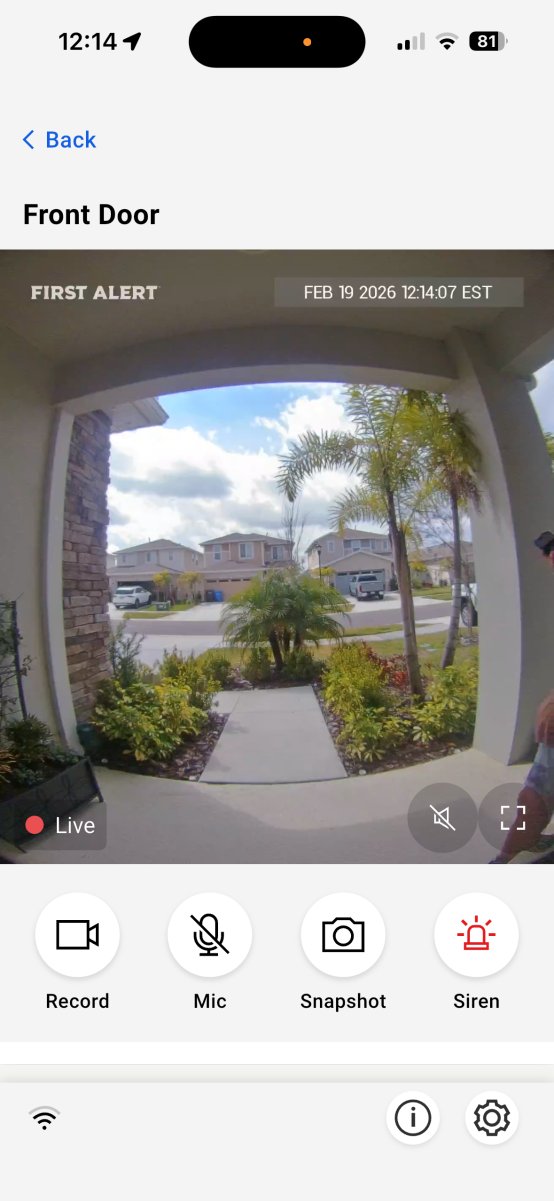
Photo: Paul Rankin for Bob Vila 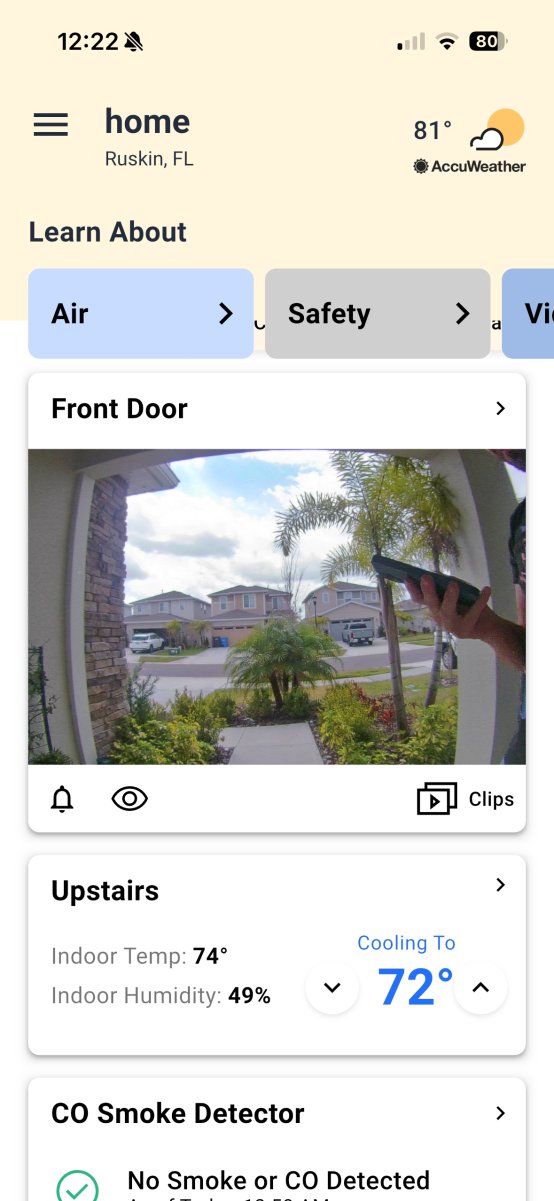
Photo: Paul Rankin for Bob Vila 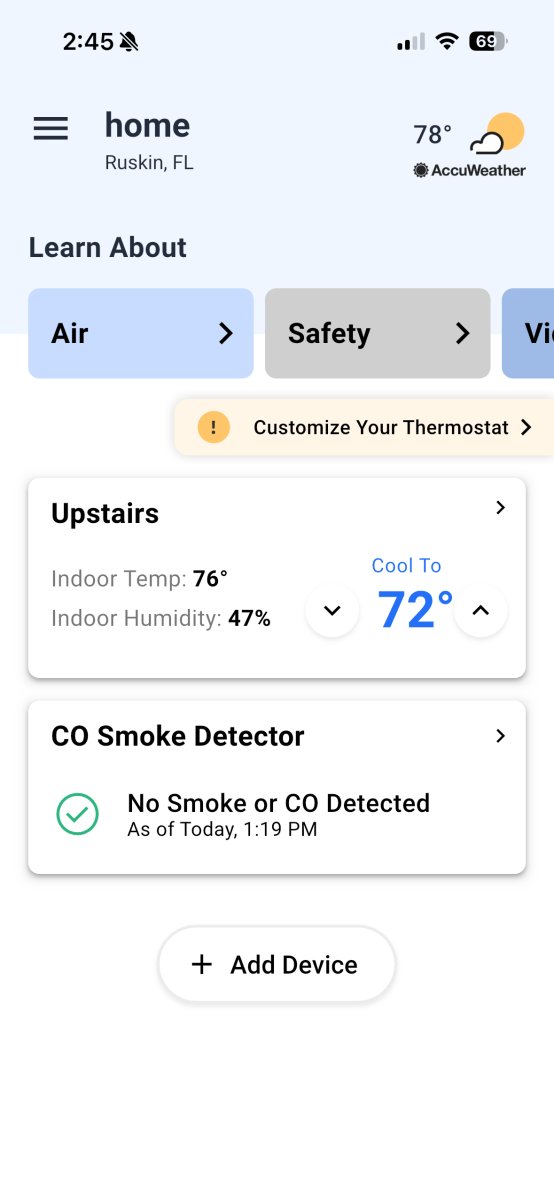
Photo: Paul Rankin for Bob Vila 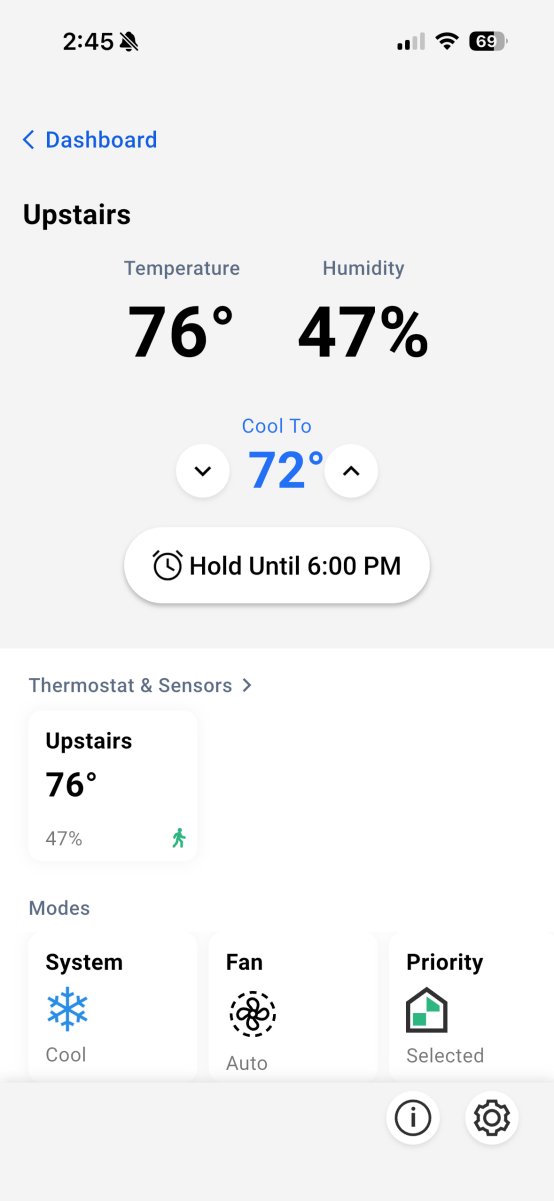
Photo: Paul Rankin for Bob Vila
Streaming Load Time
What really impressed me is speed. If I manually open the app and tap the live feed, it loads in about two seconds or less. Recorded clips pull up almost instantly. That responsiveness makes a bigger difference than you might expect—especially compared to other brands I’ve tested where lag can make the experience frustrating. When paired with the thermostat, the near-instant pop-up feed feels seamless rather than gimmicky. It’s a small detail, but it’s what makes this integration feel polished.
Pricing
Price is probably the biggest consideration. The thermostat runs just over $200, and the doorbell hovers around $160—firmly in Google Nest territory. In my opinion, Nest products win on looks. The First Alert and Honeywell Home devices don’t have that same “wow” factor on the wall. But they feel robust, and more importantly, they’re fast and responsive. You’re paying for performance and build quality rather than design flair. If your thermostat is in a central location where you’ll actually see it, that performance-driven integration can genuinely elevate how your smart home functions.
Where to Buy
Photo: Paul Rankin for Bob VilaWhere to Buy
Photo: Paul Rankin for Bob Vila