We may earn revenue from the products available on this page and participate in affiliate programs. Learn More ›
A thermostat relies on sensors to detect a home’s temperature and triggers the HVAC system to kick on when it moves outside the user-set range. It’s an essential part of a heating or cooling system, and if you’re looking for a reliable replacement, there are many models to choose from. We recently tested some of the best home thermostats on the market, from the latest smart thermostats to more bare-bones non-programmable options. Our favorite affordable smart thermostat packs in energy-saving features at an attractive price.
Best Affordable Smart Thermostat
Photo: Amazon
The Amazon Smart Thermostat features a touchscreen for setting the temperature and is also controllable through the Amazon Alexa app or via voice control with select smart home devices. When the thermostat is set to “Auto”, the Alexa app makes programming easy with color-coded slider controls. It also includes presence detection, which uses Alexa’s “hunches” to automatically adjust the thermostat based on whether it thinks you’re home or not, helping reduce energy usage.
Another standout feature is its ability to detect when grid energy is less clean and minimize usage during those periods. But don’t worry, you’ll maintain the ability to manually override its settings at any time to keep your home comfortable. This thermostat also offers an energy-tracking feature that estimates daily HVAC energy use, making it ideal for those looking to reduce energy consumption.
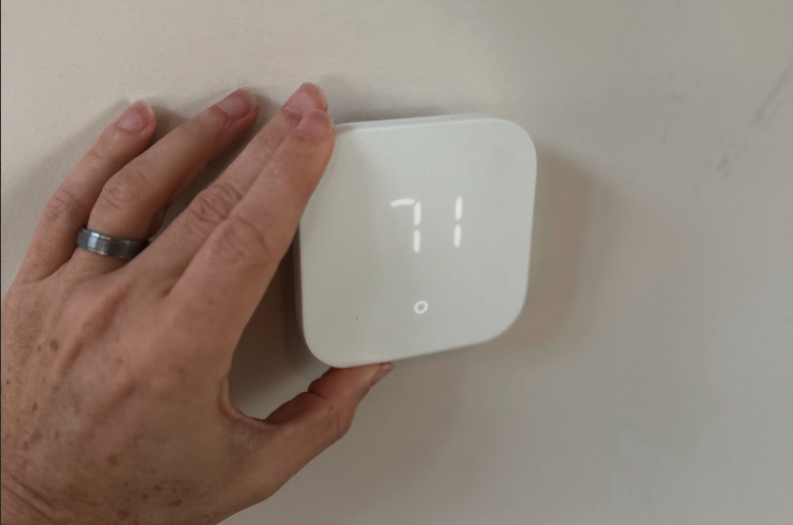
A C-wire, which provides the unit with continuous power, is required for installation. As long as your system already has one, you can install this thermostat yourself by following the instructions in the Alexa app. Its sleek look and affordability make it a great upgrade for those who love smart home features or who want to be more aware of their energy consumption.
What our tester says: “I loved how easy this thermostat was to use. By simply clicking on Climate and the thermostat you want to control in the app, you’re presented with full-screen, color-coded controls that include a slider for adjusting the temperature or heat and cool settings if you have the thermostat set to Auto.”—Tony Carrick, Product Reviews tester and writer
Best Affordable Smart Thermostat
Photo: Amazon