We may earn revenue from the products available on this page and participate in affiliate programs. Learn More ›
Living in Florida, I think about backup power a little more than I used to. Hurricanes and severe storms can knock out electricity for hours or even days. I wanted something capable of doing more than keeping a fridge and a few lights running—I wanted a system that could actually power my house normally during an outage. So when I had the opportunity to install Anker’s Solix E10 at home, I jumped at the offer.
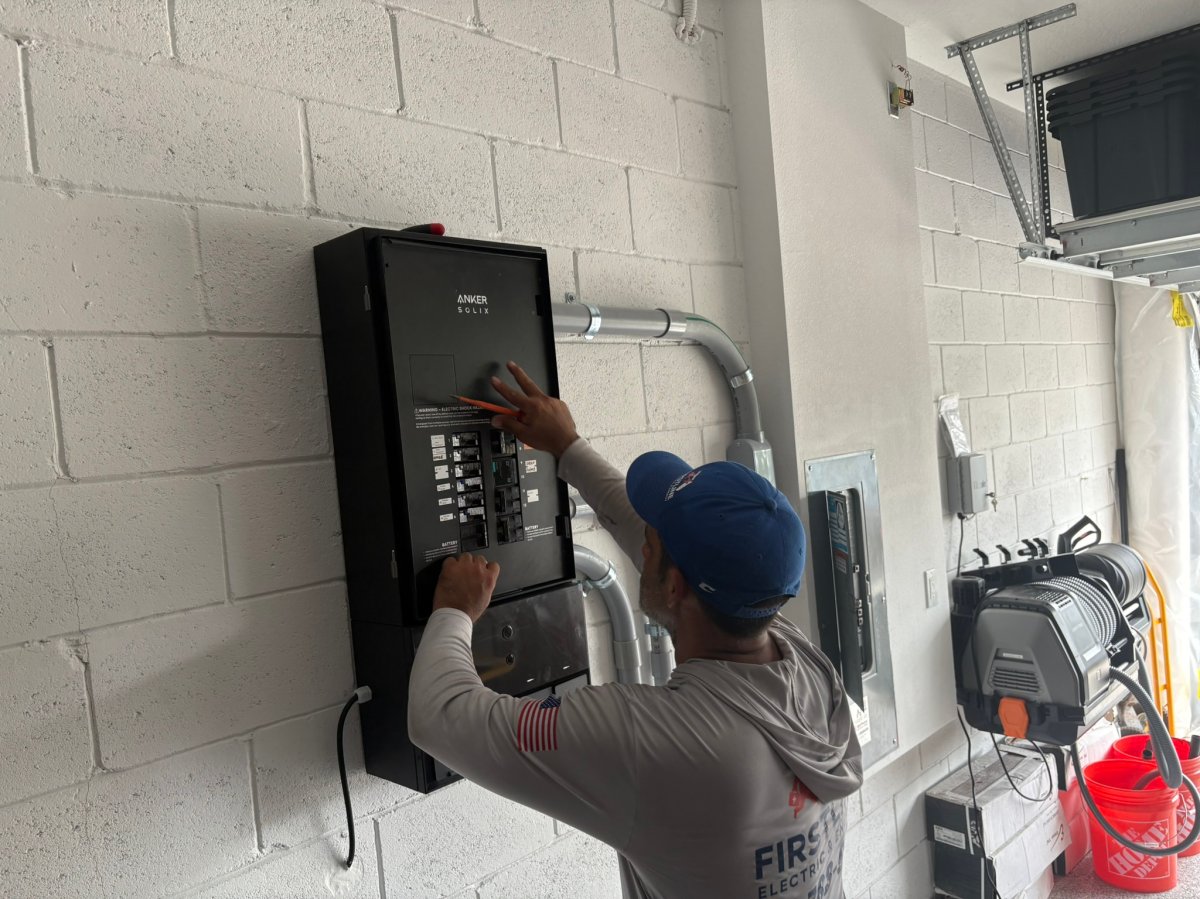
I’ve now spent over a month testing the E10 as part of my home’s electrical system. My configuration includes two E10 power modules, three 6-kWh battery modules for 18 kWh of storage, the Anker Power Dock, and my existing rooftop solar array. Electricians Arcenio Garcia of Firstline Electric & Energy and Oswin Fernandez of Future Electric Solutions handled the installation, and their professional opinion on Anker as a brand gave me peace of mind: “Of all the whole-house batteries I install, Anker is my favorite brand because it works the best and the installation is straightforward,” says Garcia. The equipment for my particular setup cost around $13,400, and professional installation added approximately $5,500.
That is obviously a significant investment, but the E10 is also much closer to a complete home-energy system than the portable power stations I’ve tested in the past. Over August, the Anker app logged 1,043.91 kWh of total power generation through the system. Of that, 692.09 kWh, or 66.3 percent, went directly to my home, another 261.62 kWh went into battery storage, and just 90.2 kWh went back to the grid. Being able to see exactly where that energy went has made the system’s role in my home much more tangible.
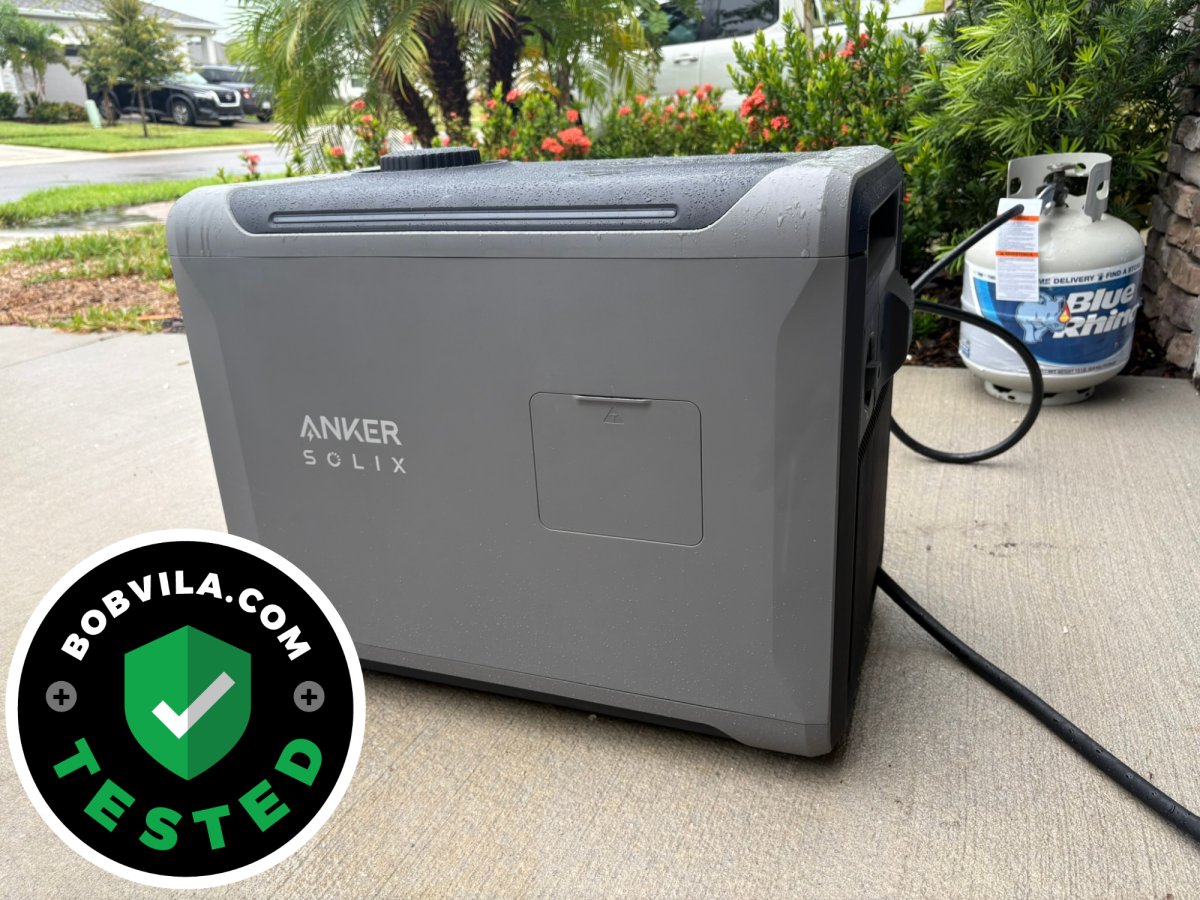
The part I find most interesting, though, is Anker’s optional Solix Smart Generator. I also spent a month testing this tri-fuel generator, and it connects directly to the E10 to provide up to 4,500 watts of DC charging power. Instead of running a generator continuously during an outage, I can let the batteries quietly power my home and set the generator to start automatically when the batteries reach a chosen state of charge. For example, they can be set to turn on once the batteries get down to 50 percent, and then the generator will start charging them back up. The fact that this happens behind the scenes and automatically is what’s amazing to me.
After living with the entire system, that’s really what sold me on the E10. It doesn’t depend on a single source of backup power. I have stored battery energy first, rooftop solar when the sun is available, and a gasoline-, propane-, or natural-gas-powered generator as another charging source when necessary. It’s expensive, but it’s also the most comprehensive home-backup system I’ve personally used.
Anker Solix E10 Whole-Home Backup Power
Photo: Paul Rankin for BobVila.com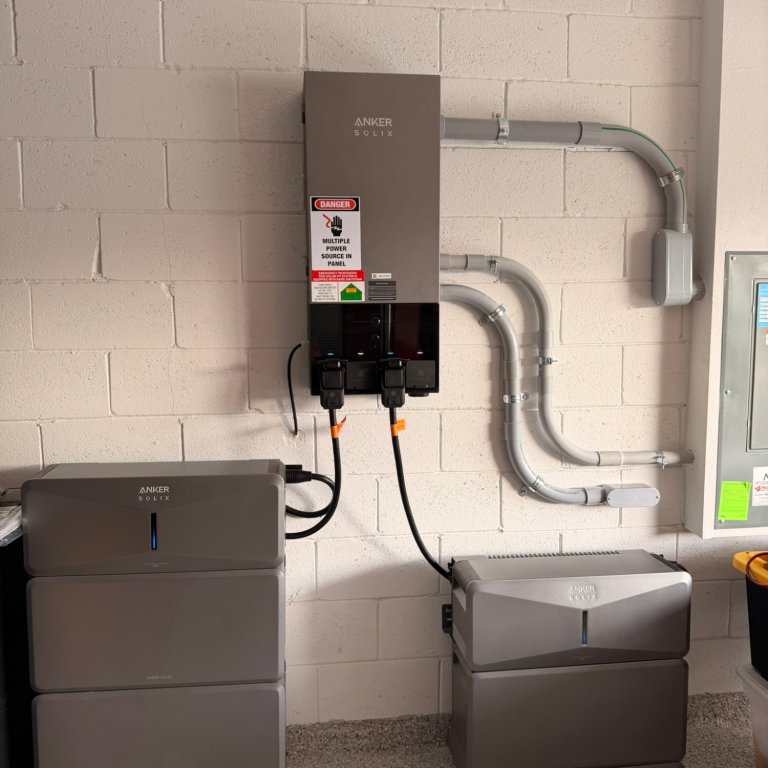
What We Like
- Can provide automatic whole-home backup, not just appliances
- Integrates battery storage, rooftop solar, and generator charging into one system
- Excellent app with circuit-level power monitoring and controls
- Modular batteries for expandable capacity
What We Don’t Like
- A complete, professionally installed system gets expensive quickly
- Installation is much more involved than a portable station
Product Specs
- Battery capacity: 6 kWh per battery module; expandable up to 90 kWh
- Rated output: 7.6 kW per E10 power module
- Backup switching: 20 milliseconds or less with Power Dock
- Solar input: Up to 9 kW per E10
- Generator input: Up to 4.5 kW with SOLIX Smart Generator 5500
What separates the E10 from smaller backup batteries I’ve tested is that I don’t really have to think about it once it’s installed. With the Power Dock integrated into my home’s electrical system, an outage doesn’t mean pulling a power station out of storage, running extension cords through the house, or manually deciding which appliances I can plug in. The system automatically keeps my house running on battery power. Anker says the transition takes 20 milliseconds or less, which is fast enough that the switch is practically imperceptible for many electronics.
The app has also become one of my favorite parts of the system. I can watch electricity move between my solar panels, home, batteries, and grid in real time instead of just looking at a battery percentage. During one test, for example, my solar panels produced 6.06 kW while my house consumed 3.41 kW. The grid was supplying zero watts, and the remaining 2.65 kW was flowing into the batteries, which were already at 83 percent. That’s the sort of snapshot that makes it easy to understand exactly what the system is doing.
There’s a surprising amount of historical data, too. On Aug. 4, the system recorded 45.71 kWh of energy production. Of that, 20.85 kWh went directly to the house, 15.96 kWh charged the batteries, and 8.9 kWh went back to the grid. On Aug. 12, generation reached 60.17 kWh. I don’t need to obsess over these numbers every day, but having them available makes it much easier to understand how much of my solar production I’m actually using and how often I’m putting excess power into storage.
One feature that feels particularly relevant to me in Florida is Storm Guard. During testing, I received a notification that the system had automatically entered Storm Guard after a severe-weather alert. In one instance, the trigger was a heat advisory. While Storm Guard was active, my batteries were sitting at 100 percent, and the app explained that the system was prioritizing stored energy in preparation for the weather event. I haven’t had a hurricane knock out my power during testing, thankfully, but I like knowing the system will prepare itself before severe weather arrives rather than relying on me to remember to change the settings manually.
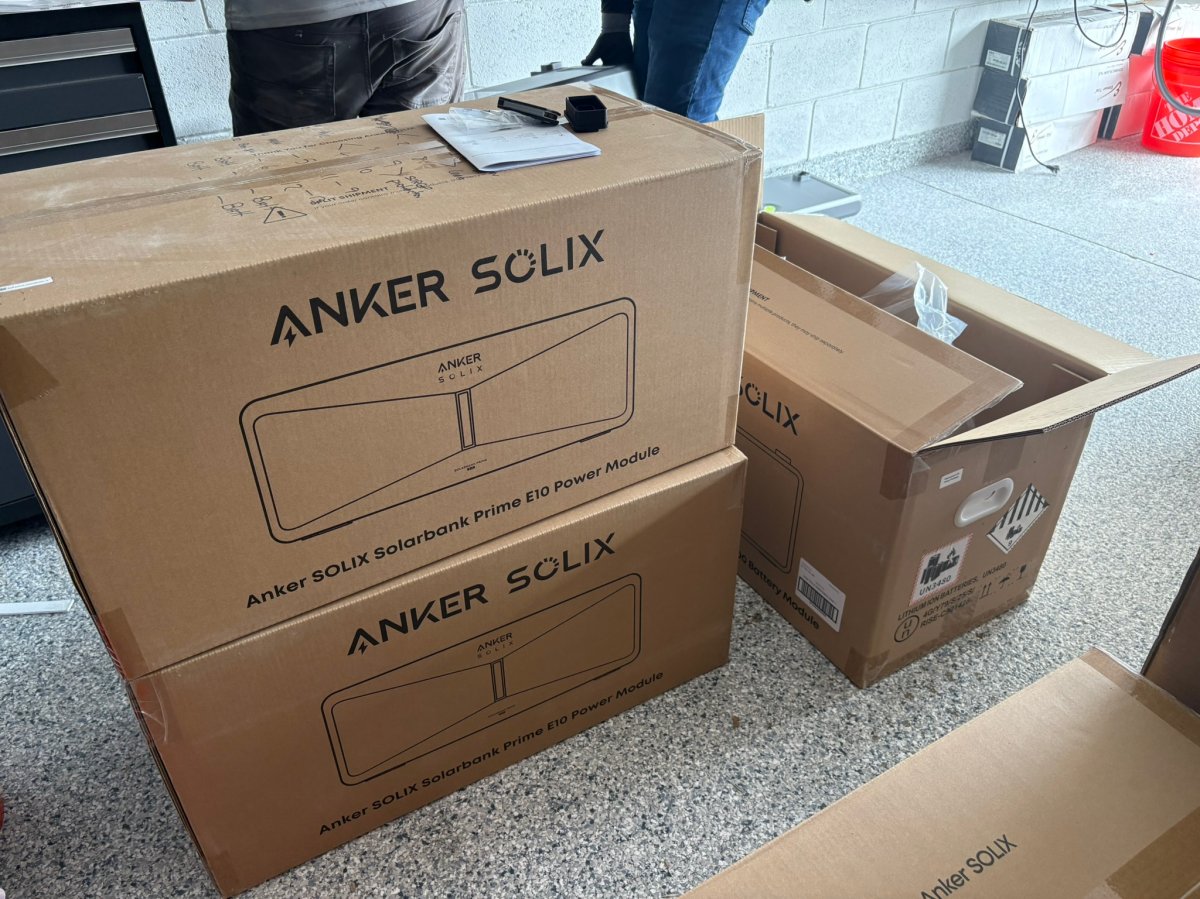
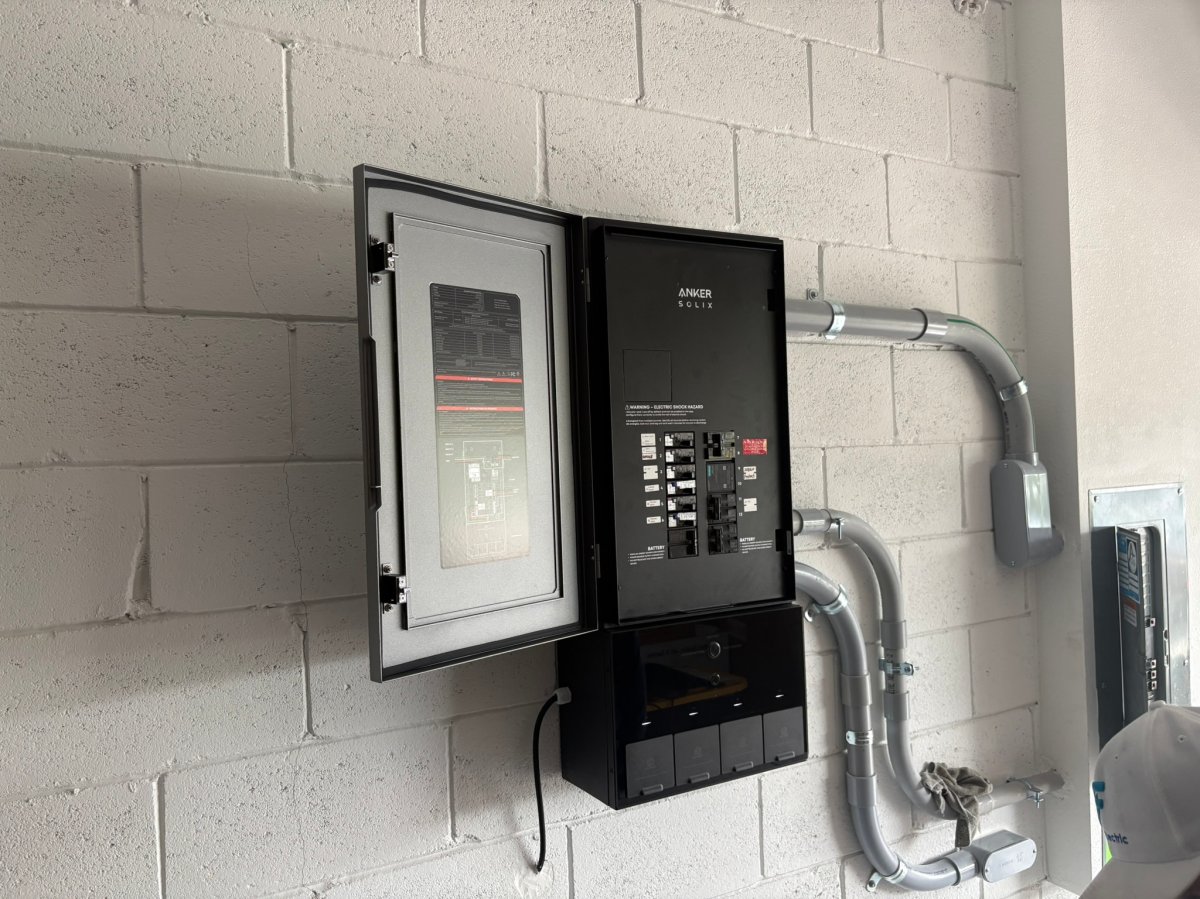
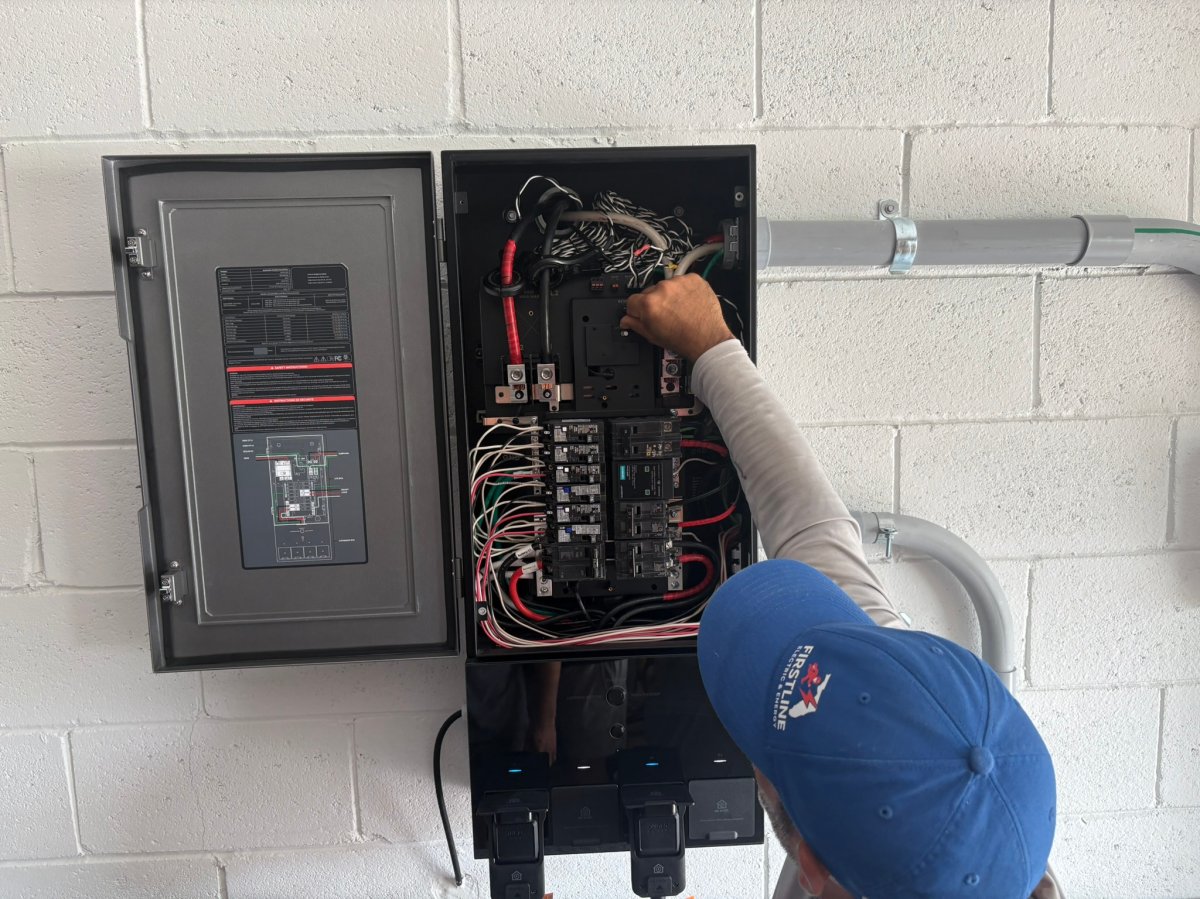
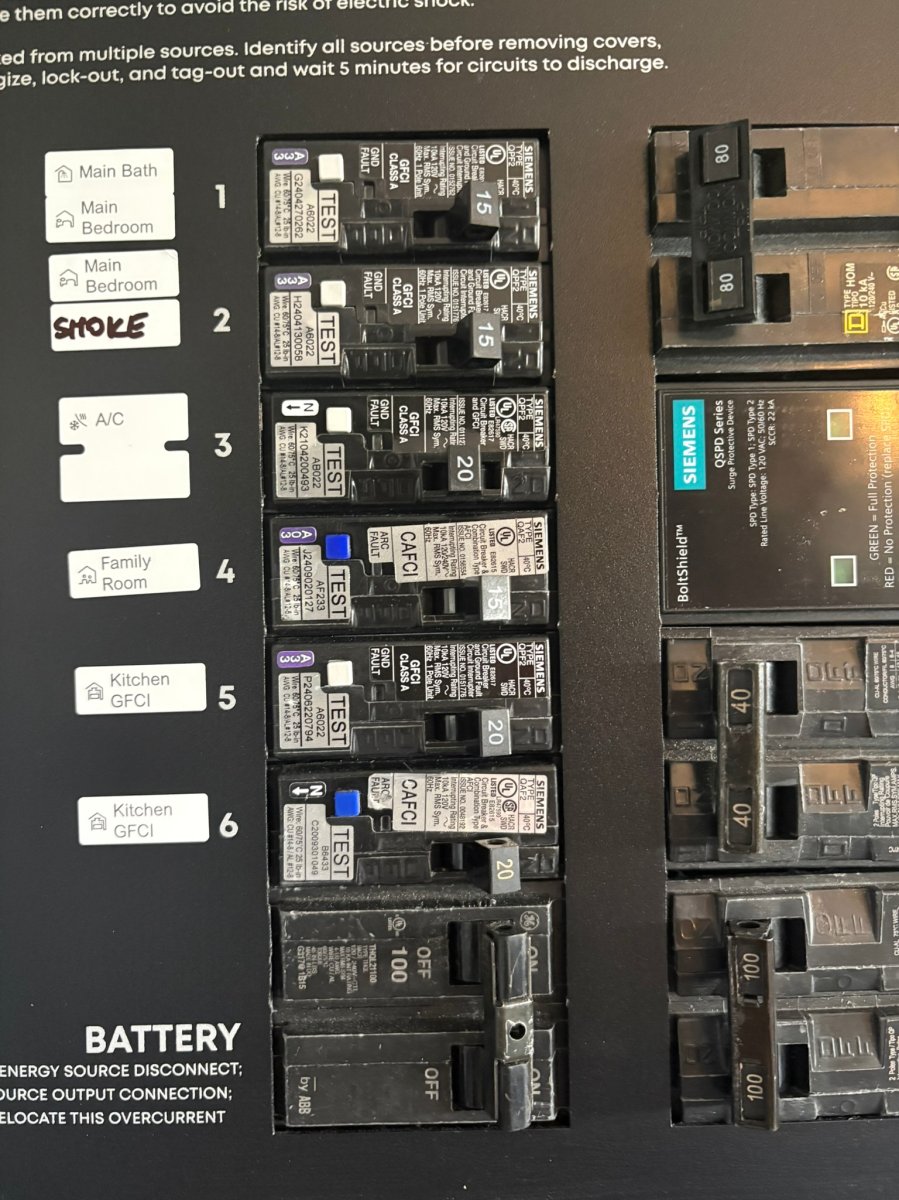
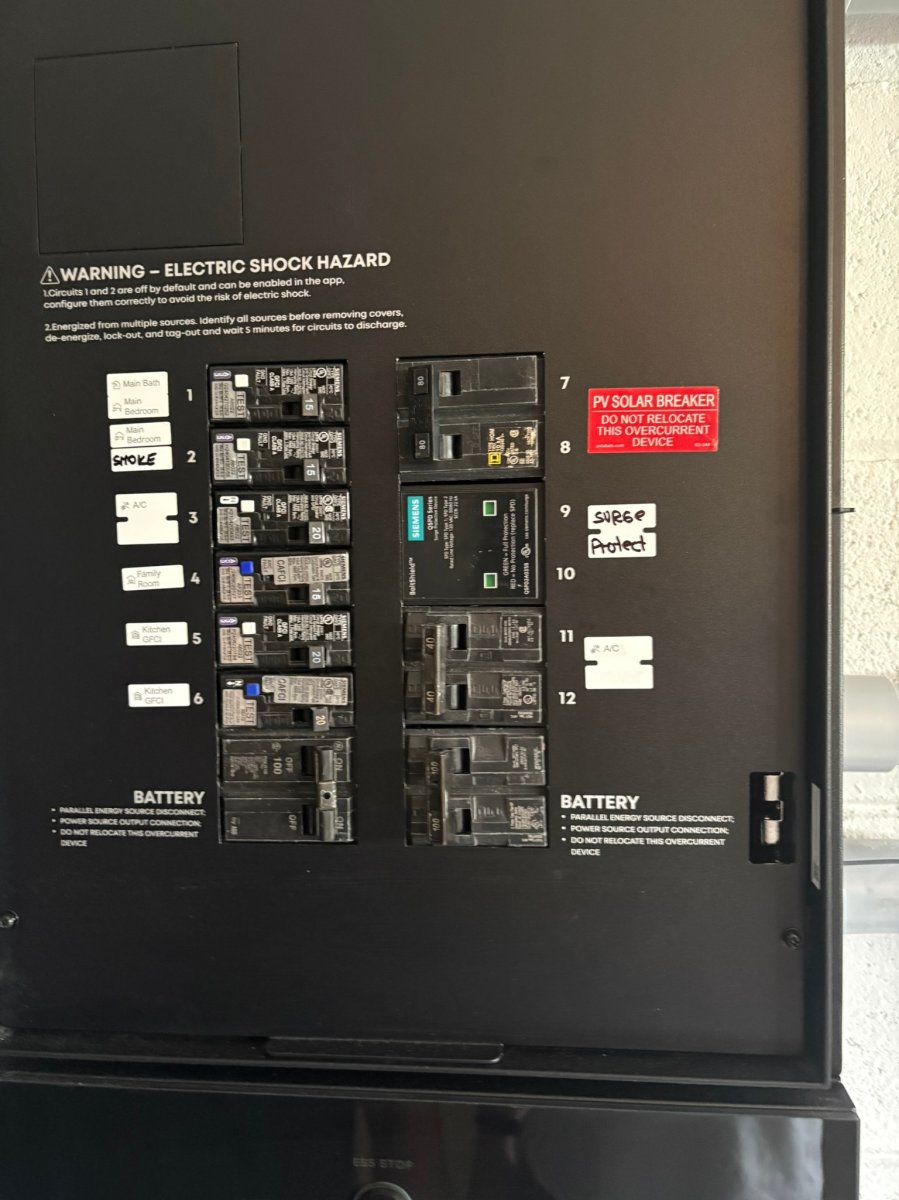
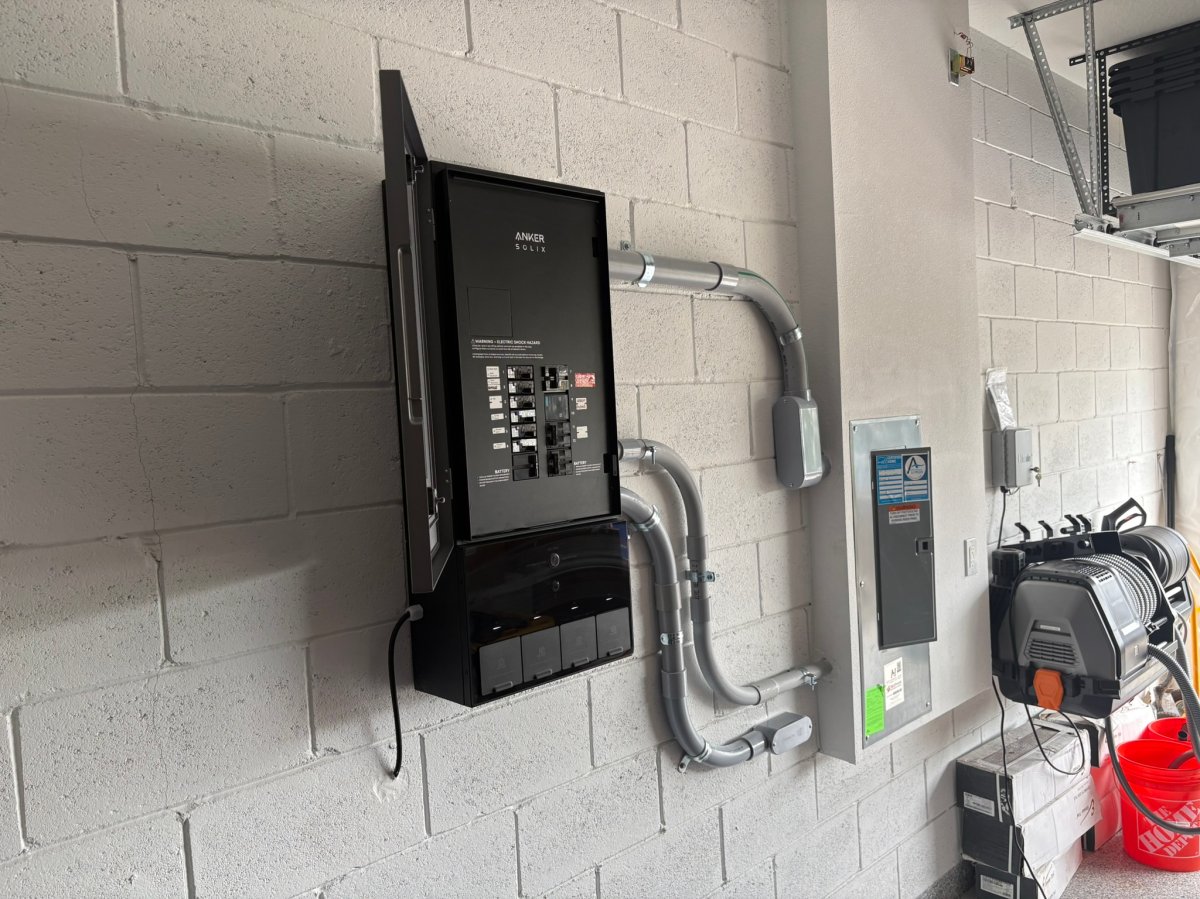
My 18-kWh configuration also demonstrates one of the E10‘s biggest advantages: modularity. A basic E10 starts with one 6-kWh battery, but you can stack additional battery modules on the power module as needed. A single E10 can support up to 30 kWh of storage, and three systems connected through the Power Dock can reach 90 kWh. I love that approach because you don’t necessarily have to decide on your maximum capacity on day one, which also makes the initial investment a little easier on the wallet.
The optional Smart Generator 5500 makes the system even more compelling for extended outages. I tested the generator separately on gasoline and propane and saw around 4.5 kW of DC charging output going into my E10. One app snapshot does a particularly good job of showing why I like this arrangement: the generator was producing about 3.98 kW while my solar panels added another 640 watts. My home was only consuming 970 watts at that moment, so roughly 3.65 kW was flowing into the battery system, with the batteries at 51 percent and nothing coming from the grid.
That’s the important distinction with this setup. The generator isn’t directly trying to handle every electrical load in my house. The E10 batteries handle those household loads while the generator concentrates on replenishing the batteries. Eventually, I plan to connect the generator to my home’s natural-gas supply, which would give me battery storage, solar charging, and piped natural gas as three different layers of backup. That’s massive peace of mind, especially down here in Florida, where a hurricane can knock out power for days or even weeks at a time.
The biggest reason not to buy an E10 system is price. Anker currently sells a basic E10 with one 6-kWh battery starting at $4,299, but whole-home automatic backup requires additional equipment, and larger battery configurations quickly climb into five figures before installation. My own equipment came to roughly $13,400, plus about $5,500 for professional installation. That’s a lot of money. But if you’re looking for a system that can keep your home operating automatically during an outage while combining batteries, solar, and generator power in one ecosystem, the E10 is one of the most capable setups I’ve tested.
Where to Buy
Photo: Paul Rankin for BobVila.com